AI Courses

Learn through practical AI tutorials, demonstrations and courses you can follow at your own pace.

Suggest a course
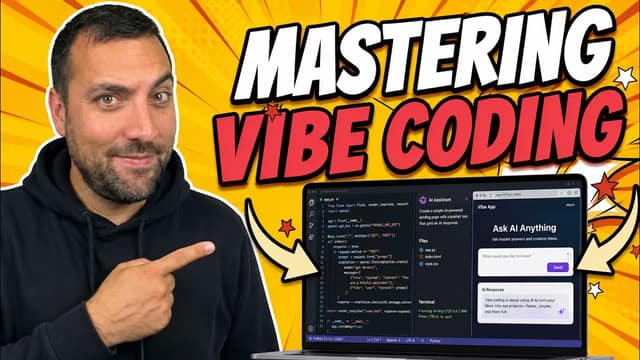
The Ultimate Vibe Coding Guide (2026 Full Course Tutorial)

The Ultimate Vibe Coding Guide (2026 Full Course Tutorial)

Stop writing code and start "vibing"—the era of manual syntax is over, and if you aren't using autonomous agents, you're already behind. In this comprehensive 2026 masterclass, we break down the complete Vibe Coding workflow that allows you to transform raw ideas into production-ready applications using nothing but natural language and high-level intent. You will master the art of Product Requirement Documents (PRDs), agent-native interfaces like Cursor and Claude Code, and the "Plan-Execute-Review" cycle that defines the modern developer. By the end of this course, you’ll have the skills to build, debug, and deploy full-stack SaaS platforms at 10x the speed of traditional development, effectively future-proofing your career in the AI-driven landscape.

119 min34 chapters
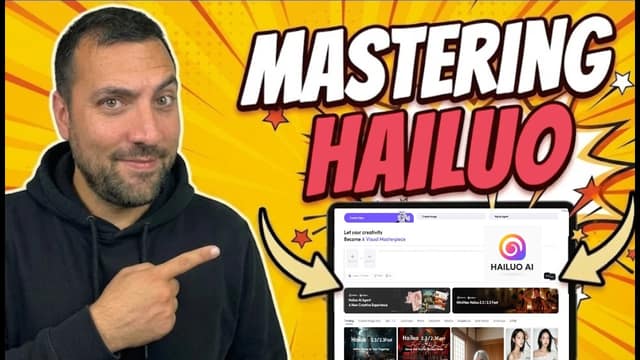
The Ultimate MiniMax Hailuo Guide (2026 Full Tutorial)

The Ultimate MiniMax Hailuo Guide (2026 Full Tutorial)

In this ultimate guide to MiniMax Hailuo AI, we do a complete deep dive into one of the most powerful AI content creation platforms in 2026. From text-to-video and image-to-video generation, to subject references, presets, text-to-speech, and AI music — this tutorial covers everything you need to master Hailuo AI on the web. Whether you're a beginner or a power user, this is the only guide you'll need.

60 min21 chapters

AI Courses FAQ

How do I choose an AI course?

Open a course to read its overview and lesson structure. Choose one that matches your experience and the task you want to learn.

How do I find a short course?

Use Sort by and choose Shortest first. Each course page shows its length in minutes and its chapters, so you can jump straight to the part you need.

Are the courses free?

Yes. Each course is a video you can play on its page, with no account needed to watch.

Can I skip to one part of a course?

Yes. Choose a chapter in the chapter list and the video starts from that point. The page address updates too, so you can share a link to that chapter.