
Htmldrop
Htmldrop MCP Server: Publish HTML for agents — one API call, MCP server included.
Find MCP servers that connect AI assistants to useful tools and data. Explore what each server does, its setup and its documentation.
2703 servers · Page 188 of 226
Htmldrop MCP Server: Publish HTML for agents — one API call, MCP server included.
Lightweight, agent-friendly AI security toolkit for Node.js & TypeScript. Check if your agent has loaded the skill, Stop prompt injection, audio…
Manage Dynadot domains, DNS, renewals, and transfers from Claude, Cursor, or any MCP client.
# 21st.dev Magic AI Agent 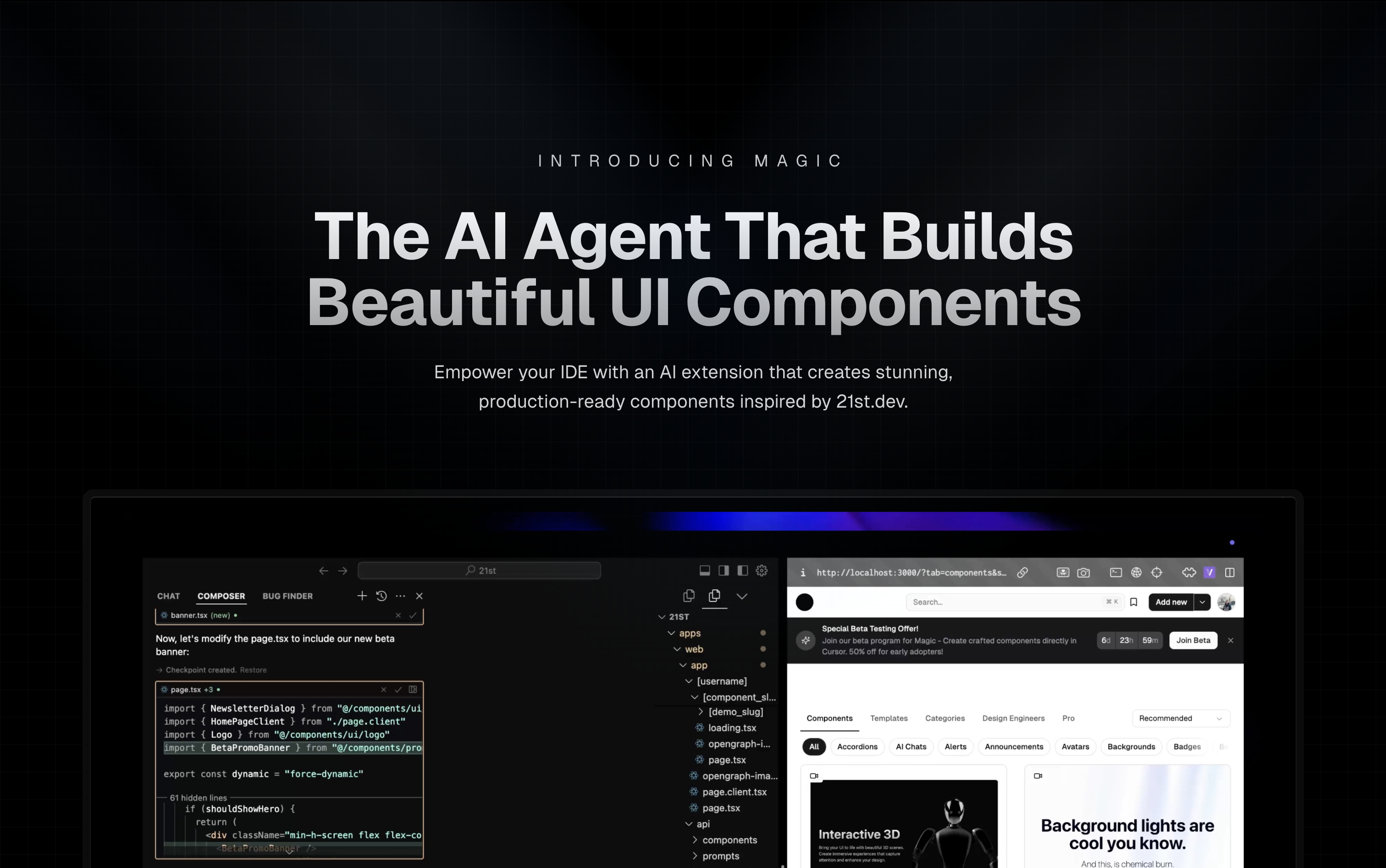 Magic Component Platform (MCP) is a powerful AI-driven tool that helps developers create beautiful, modern UI components…
The agent-first social media planner: an AI agent drafts and schedules posts across Instagram, Facebook, LinkedIn, YouTube, X, Telegram, Discord…
Free Windows screenshot, annotation, OCR and screen recorder, plus a CLI and MCP server so scripts and AI agents can capture, read and record…
Free Mac screen recorder and screenshot tool for polished software demos: automatic zoom, smooth cursor, captions, camera, and a built-in MCP server…
Persistent memory for AI coding tools, in an open portable format. Sync Claude, Cursor, Gemini, Copilot, Windsurf + 6 more across machines via MCP.
Pqc Tools MCP Server: Open-source post-quantum readiness tooling by quantakrypto.
Free, open-source CLI for dependency intelligence, SBOMs, vulnerability auditing, and CI policy gates.
# WhatsApp MCP Server This is a Model Context Protocol (MCP) server for WhatsApp. With this you can search and read your personal Whatsapp…
Let any AI agent read your Mac — Calendar, Reminders, Notes, Contacts, Clipboard, Location, Weather — through Apple Shortcuts.
An MCP server exposes tools or data through the Model Context Protocol so a compatible AI client can use them. Each project has its own installation, authentication and permission requirements.
Open a server’s page for its getting-started notes, compatibility and sources, then follow the original project’s documentation for your AI client.
Entries link to the original documentation. Check access requirements, costs and maintenance there before installing, and grant a server only the access it needs.