
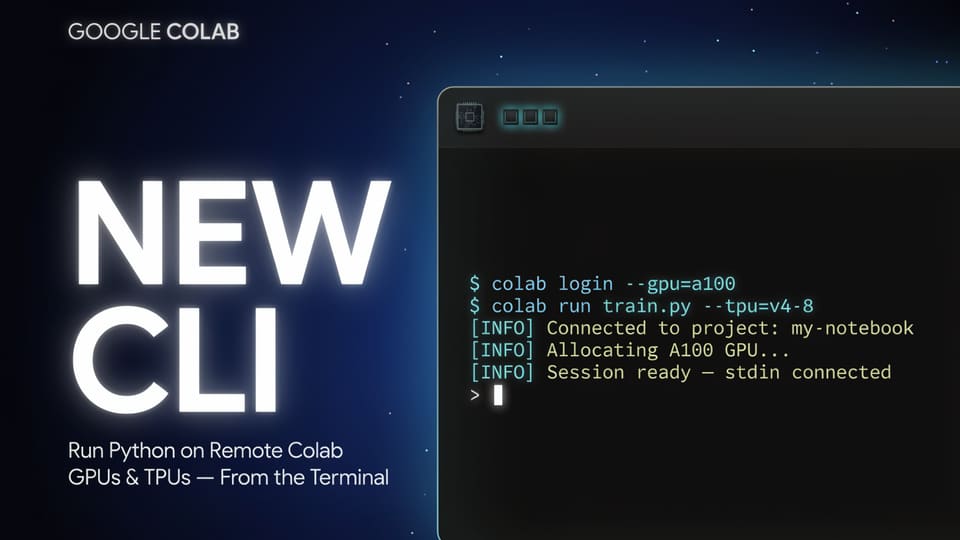
Google has released the Colab CLI, an open-source tool that allows developers and AI agents to interface with remote Google Colab runtimes directly from a local terminal. By bridging the gap between local environments and cloud-based compute, the tool enables users to provision GPUs and TPUs, execute Python code, and manage files without needing to open a web browser.
Streamlining Remote Compute
The Colab CLI simplifies the process of offloading resource-intensive tasks to the cloud. Users can initiate a session with a single command, defaulting to a CPU or specifying accelerators such as T4, L4, A100, or H100 GPUs, as well as v5e1 or v6e1 TPUs. Once a session is active, the exec command allows for the execution of Python code from standard input, local script files, or notebooks.
A significant advantage of this workflow is the elimination of manual file uploads. When executing a script, the CLI reads the local file and transmits its contents to the remote runtime automatically. Similarly, users can retrieve models, datasets, and logs using dedicated download commands, ensuring that the results of remote operations are easily accessible on a local machine.
Enabling Agentic Workflows
Designed with automation in mind, the Colab CLI is compatible with any terminal-based AI agent, including Claude Code, Codex, and Google’s Antigravity. To facilitate this integration, Google has included a COLAB_SKILL.md file that provides agents with the necessary context to utilize the CLI effectively. This allows agents to manage end-to-end machine learning pipelines, such as fine-tuning models like Gemma 3 1B using QLoRA, without human intervention in the provisioning process.
The tool also prioritizes reproducibility. Through the log command, users can export session history into various formats, including .ipynb, .md, .txt, or .jsonl. This capability transforms remote execution into a replayable notebook, providing a clear audit trail of the work performed on the cloud infrastructure.
CLI Versus Browser-Based Colab
While the Colab CLI provides a powerful terminal-native experience, it is intended to complement, rather than replace, the traditional browser-based notebook interface. The CLI is specifically optimized for scripted, automated, and agent-driven workflows where the user prefers the efficiency of the shell.
In contrast, the browser-based UI remains the standard for interactive, visual-heavy notebook development. The CLI offers a distinct set of advantages for developers focused on CI/CD integration, terminal-based debugging, and automated ML pipelines. Released under the Apache 2.0 license, the tool is available for installation via the uv package manager, providing a flexible solution for those looking to integrate Colab’s compute power into their existing terminal-based development environments.