
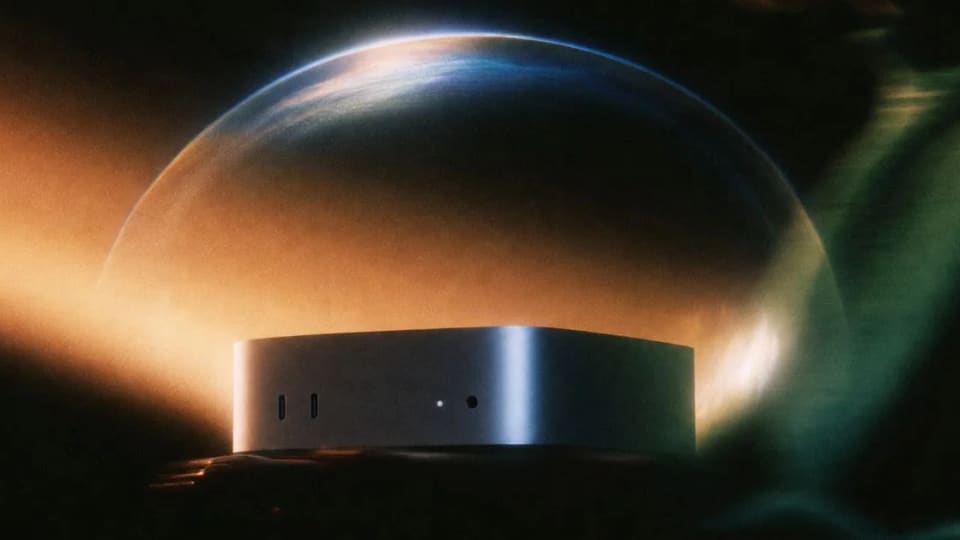
Perplexity says its Computer agent can now run the model, harness and task execution entirely on a supported Apple silicon Mac. The October 20 announcement distinguishes this fully local mode from its existing Hybrid Compute workflow.
Where the work runs
In fully local mode, planning, reasoning and file processing begin on the Mac. Perplexity identifies Qwen 3.6 and PPLX Pro as the initial local model options.
Hybrid Compute starts with cloud coordination and combines it with local processing of private information. Users can also authorize a local task to escalate to cloud services for current information, browser work or connected apps. That permission changes the execution boundary; choosing a local starting mode does not mean every possible extension of a task stays offline.
Access to files and applications
With permission, Computer can work across local files and supported applications such as Notes, Messages, Mail and Numbers. The announcement gives examples of preparing proposals, organising priorities and assembling updates from local material.
Those examples describe intended workflows, not independent tests on a reader’s own documents. Perplexity also says code and tool execution use isolated sandboxes with controlled access. The announcement does not remove the need to review what an assistant is allowed to read or send.
What to check before relying on it
The feature is available to Pro, Max and Enterprise subscribers on supported Apple silicon Macs. Perplexity recommends 36 GB or more of memory for local operation.
Franklin’s interpretation is to test the execution boundary as well as output quality. Use a small local task, check which model is selected and confirm whether any step asks for cloud escalation. Review the finished document against its source files before permitting an outward action such as an email or invitation.
A local model can offer a different data-handling option, but hardware requirements and task capability still matter. Read Perplexity’s announcement for the supported setup and mode distinctions.