
Meshrefinery
MeshRefinery diagnoses and repairs 3D model files. Its described use case is a mesh that looks fine in a preview but contains holes, loose fragments, or other geometry problems that interfere with slicing. It also offers format conversion and a separate image-to-3D generation option.
Inspect the geometry before repairing
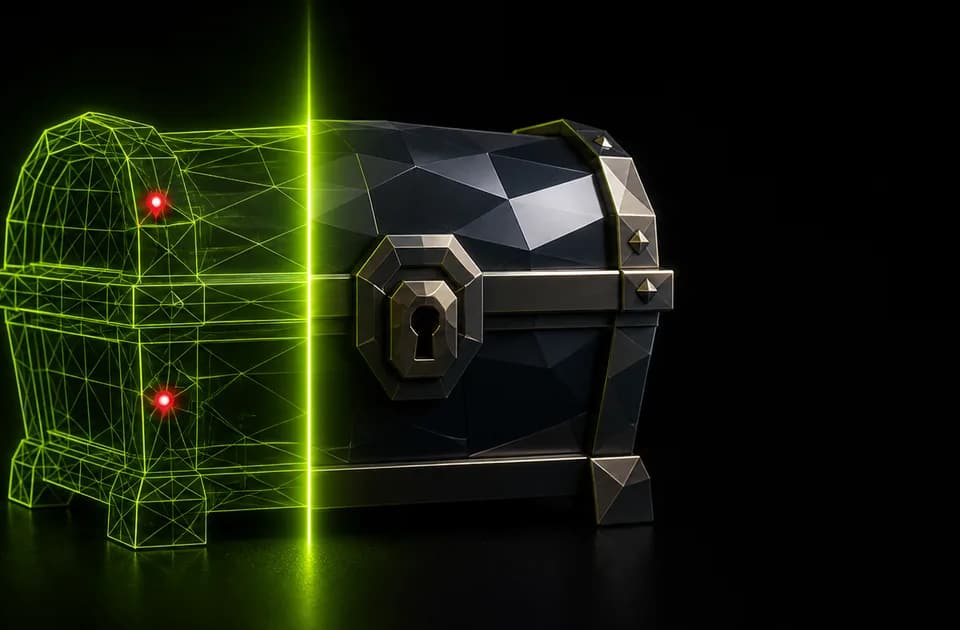
The diagnosis report lists open edges, non-manifold geometry, floating shells, and degenerate faces. A live preview lets users rotate a model before and after an operation. The website says core single-file tools work without an account and lists STL, OBJ, GLB, glTF, and 3MF in its upload workflow.
The examples on the page show the publisher's own generated meshes and reported repairs. They illustrate what the report is intended to identify, but they are not a Franklin test of arbitrary models. Check a repaired file in the slicer or application that will consume it. A clean report does not establish that every detail of the original geometry survives.
Choose how to handle surface color
The publisher distinguishes free repair, which rebuilds geometry and drops colors, from deep repair, which transfers approximate surface color from self-contained GLB files into vertex colors. That distinction matters for a model prepared for color printing or display. Approximate color transfer is not a promise to preserve all texture materials.
MeshRefinery also lists conversions between its supported formats, including color-preserving GLB-to-3MF conversion. It says parsing and repair run as WebAssembly in the browser, without sending the model to a server. That claim describes the core processing; the captured pages do not explain every aspect of the separate AI-generation service.
Pay for the operations you need
The homepage lists deep repair at 20 credits and image-to-3D at 30 credits. Diagnosis remains free, according to the pricing page. Credit packs and subscriptions cover paid operations, while the displayed annual plans include Starter at $7.92 per month on annual billing.
Evaluate the free diagnosis and inspect a repair before buying credits for a larger set of files. The tool's intended benefit is a usable mesh, so downstream slicing and surface inspection are more meaningful checks than a larger polygon count or an attractive preview alone.