
ImageFX
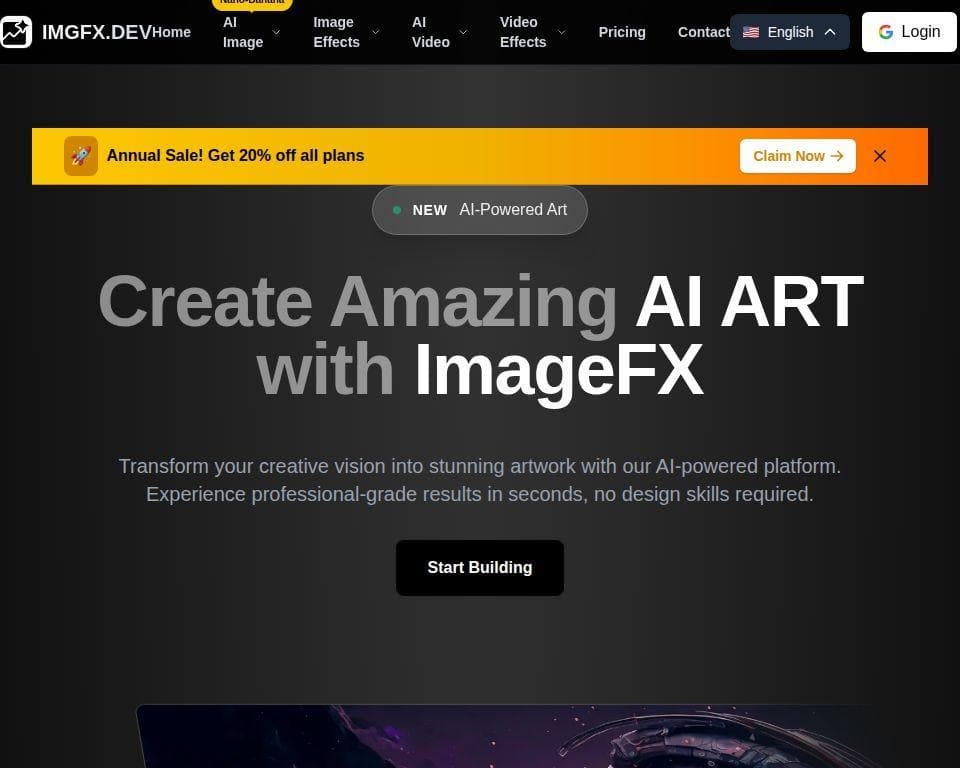
ImageFX is an AI-powered platform for creating images and videos from text prompts or existing images. It is designed for users who want to produce digital artwork, illustrations, photorealistic visuals, variations, and short generated videos without traditional design skills.
What ImageFX does
ImageFX supports text-to-image generation for creating visuals from written descriptions, as well as image-to-image transformation for producing new stylized versions of existing images. The platform also offers text-to-video and image-to-video tools, allowing users to turn prompts or image keyframes into animated content.
Its image workspace includes prompt enhancement, style and photo-effect selection, aspect-ratio controls, batch-size settings, and image generation history for eligible plans. Additional tools include image resizing, inpainting, outpainting, background removal, and specialized image-generation models. The platform lists models and tools such as Realistic AI, Anime AI, Imagen 4, FLUX variants, Qwen Image, and others, with credit costs varying by option.
Who it helps
ImageFX is suited to digital artists, illustrators, designers, marketers, content creators, and professionals producing concept art, product visuals, social media assets, marketing materials, or other creative images. Its combination of text-to-image and image-to-image workflows is also relevant to users exploring style variations or refining an existing visual. In that respect, it addresses a similar core task to NanoEditor, which also focuses on text-to-image, image-to-image, and style transfer.
Notable capabilities
- Text-to-image generation from natural-language prompts.
- Image-to-image transformation for creating stylized variations.
- Text-to-video and image-to-video generation.
- Editing utilities including inpainting, outpainting, resizing, and background removal.
- Controls for aspect ratio, batch size, prompt enhancement, and selected visual effects.
How it fits a workflow
A typical workflow starts with a prompt or source image, followed by model or effect selection and adjustments to the aspect ratio and batch size. Users can generate multiple options, refine the prompt or settings, and download or share the resulting content. History saving is available on upgraded plans; the free model does not include automatic history saving according to the product interface.
ImageFX uses credits for generation. The pricing page describes free access to a basic Turbo mode, while subscribers unlock Pro, Style, and Ultra 4K models, along with features such as batch generation, full history, no watermark, and commercial usage rights. Credits reset at the beginning of each billing cycle rather than rolling over. See the official pricing information for the current plan details.
Strengths and limits
ImageFX brings image creation, AI-assisted editing, and video generation into one credit-based workspace. It offers a broad set of specialized tools and model choices, but access to higher-end models and workflow features depends on the selected plan. Users should also account for model-specific credit costs and the lack of history saving on the free model when evaluating it for ongoing projects.