
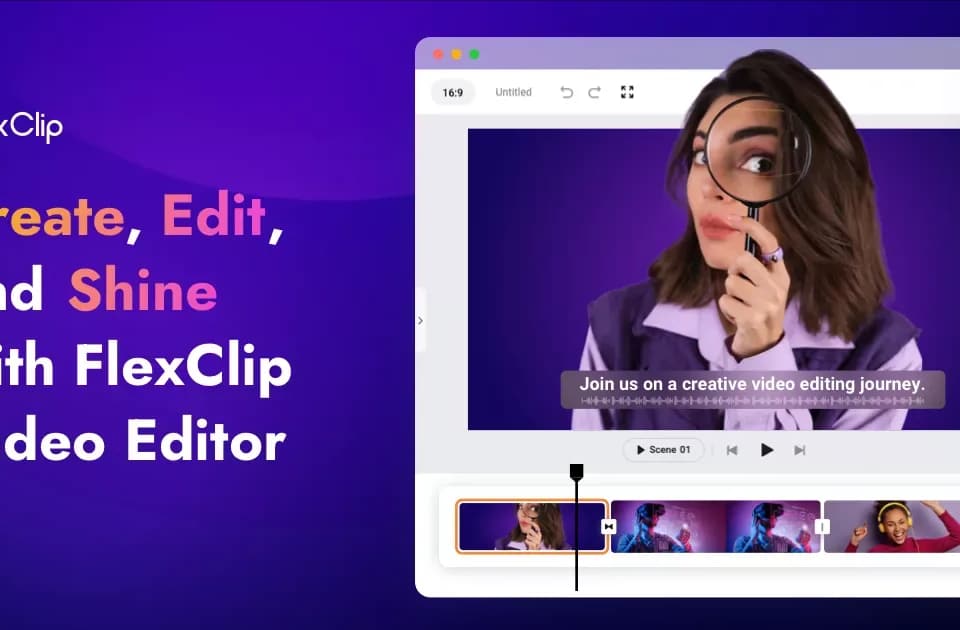
FlexClip: Easy Online Video Editor with AI Tools
FlexClip is an online video editor for assembling footage, images, text and audio into a finished project. Its official overview offers templates and a blank-project route, together with AI tools for several production steps. It can suit a short explainer, lesson or promotional clip when you want editing controls alongside generated material.
Build around the material you have
The AI video generator accepts a prompt, article or URL. FlexClip also lists script generation, text-to-speech, automatic subtitles, translation and background removal for images or video. These are separate tasks: generating a script does not establish that its facts are correct, and a translated voice still needs review for meaning and pronunciation.
For a useful evaluation, start with a short section whose wording and visual requirements you already know. Compare the generated draft with those requirements before adding more scenes. This is a suggested workflow, not a report of a project we produced in the editor.
Templates cover categories such as business, marketing, slideshows and education. The media library provides stock footage, photos and audio. Check the license for the particular asset and intended distribution rather than treating the homepage's commercial-use label as permission for unrelated material you upload.
Finish the sequence in the editor
The feature page documents trimming, splitting, merging, voiceover recording and aspect-ratio selection. It also describes text animation, transitions, filters and adjustments to brightness, contrast and saturation. Those controls matter when an AI draft needs a shorter opening, clearer captions or a different visual rhythm.
Match the aspect ratio to the destination before completing titles and framing. Review subtitle spelling, voiceover timing and music levels on the final sequence. For factual or instructional video, confirm that the images support the spoken explanation rather than simply filling the screen.
Check sharing and export limits
FlexClip advertises team collaboration, cloud storage and export up to 4K resolution. The captured pages do not establish that those capabilities, stock assets or AI operations are included without limits in every plan.
The site offers free starting routes, but the retrieved overview does not supply a complete current allowance or subscription comparison. Confirm export resolution, branding, project duration, storage and AI usage for the selected account before committing a client project. Publisher testimonials and download totals are not an independent benchmark of editing speed, output quality or business results.
