
Cubeo AI: Build Your AI Dream Team
Assistants built around your sources
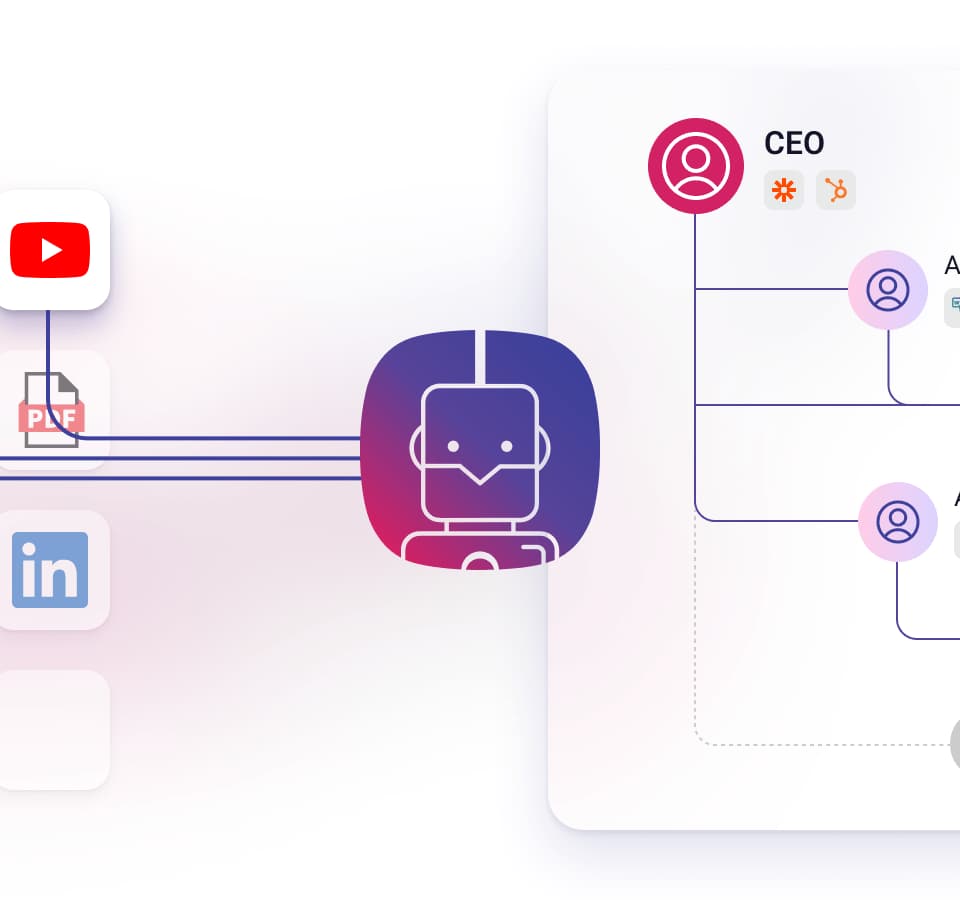
Cubeo AI offers configurable assistants that can use supplied documents, websites and other source material. Its official pricing and FAQ page lists PDF, Docx and website training sources, website embedding and public shareable links. The FAQ also describes importing a YouTube URL or audio and video files.
The publisher says users can inspect sources behind assistant responses. Document previews can jump to a relevant page, and video previews can jump to a relevant minute. This is a useful feature to evaluate if the intended assistant answers questions about training materials or an internal knowledge collection: check whether the cited passage actually supports the answer.
Connected actions and AI teams
Cubeo's FAQ describes connecting an assistant to your own API through a no-code interface. A response extractor can limit which fields from an API result are exposed to the assistant. The example given is returning an order status rather than the entire order record.
An AI Team is described as several specialized assistants available through one chat interface, each potentially having its own tools. This is different from assuming one general assistant should have access to every source and action. A sensible initial design would give each assistant a narrow task and only the information needed for it.
These are documented product capabilities, not results from a hands-on deployment. Confirm the exact tools and model choices available in your account rather than relying on an older model name shown in a pricing calculator.
Credits, retention and free-tier limits
Cubeo uses credits for model inputs and outputs, tool invocations, audio or video processing, and recurring storage of processed training text. The FAQ says tools incur charges when used, not merely when configured. Estimate a realistic conversation and its associated actions before comparing plans; a source-heavy assistant can consume credits in more than one way.
The page separates conversation-retention periods by plan and says free-plan credits expire each month. It also warns that free-plan assistants unused for more than seven consecutive days are automatically deleted. That is a meaningful constraint for a trial you plan to leave idle.
For a first evaluation, upload a small permitted document, ask questions with known answers, inspect the source preview and try a read-only API connection. Review current permissions, retention settings and costs before giving an assistant authority to change business records.