
Get to Know Microsoft Edge
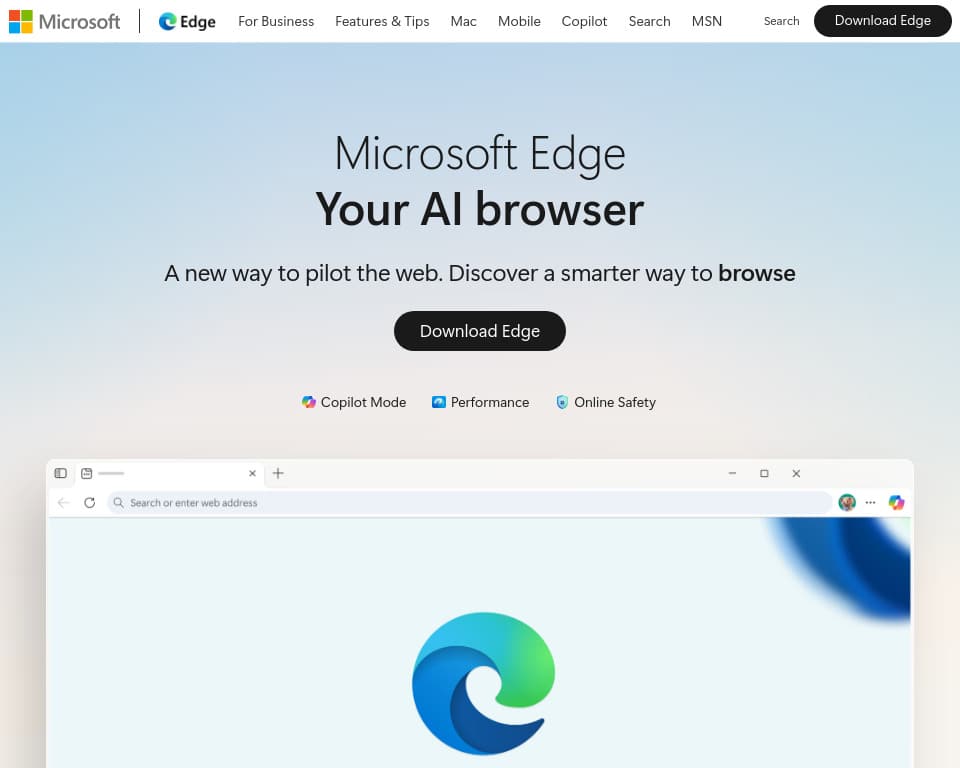
Microsoft Edge is a web browser with Copilot-assisted reading and browsing features. The official Edge overview describes help across tabs, AI tab organization and other browser functions. Its scope is the browsing environment, not a separate guarantee of unrestricted access to every Microsoft AI service.
Compare the page with the explanation
The feature overview lists page summarization, questions about content and comparisons across tabs. That can support reading several pages about a product or topic, but a compressed explanation still needs checking against the original material.
Keep the source tabs available when reviewing a comparison. Confirm dates, qualifications and details that distinguish one option from another. The ability to bring information together does not establish that an assistant has captured every relevant condition or that its recommendation is correct.
Copilot Vision is described as letting users ask spoken questions about content on screen. Other listed Copilot features use data sources, browsing journeys and memory. Review the actual settings and permissions before connecting personal files, email or history to a task. This overview is not a test of those account-specific controls.
Organize the browser around a task
The publisher lists workspaces, tab search and split-screen browsing. Split screen displays two pages together, while workspaces group browsing tasks separately. Those controls can be useful even when a task does not need an AI-generated answer.
The site also advertises image creation and visual themes from prompts. Treat those as different creative functions from summarizing an existing page. Review generated wording and images before sharing them, and use only source material you are authorized to adapt.
Verify availability and security scope
Microsoft explicitly says feature availability and functionality can vary by device type, market and browser version. Confirm the selected feature on the intended device rather than assuming a desktop example applies to every mobile or organizational configuration.
The pages list SmartScreen, scareware blocking, passkeys and other protection features. These are described safeguards, not proof that every malicious page or download will be blocked. Likewise, InPrivate's described deletion of session history is not a claim that browsing becomes anonymous to every party.
The captured pages do not supply a complete Copilot allowance or subscription-entitlement comparison. Check those terms before depending on repeated AI operations. This is an official-source overview, not a hands-on security, battery-life or assistant-accuracy benchmark.