
OpenInterpreter
Open Interpreter is a terminal coding agent that can inspect a repository, edit files, run commands and resume a session. The current terminal quickstart describes a provider-agnostic application adapted from the Codex CLI surface. This entry covers that terminal workflow, rather than assuming every similarly named desktop feature has the same permissions.
Start inside the intended project
Open the project directory before launching the interactive session with i or interpreter. The first run guides provider setup. Documented options include ChatGPT sign-in, an API key, a local model connection or another compatible provider.
For a local-model route, the guide names Ollama and LM Studio. Ollama supports both local and cloud execution, so check which connection you configure rather than assuming that selecting its name keeps all processing on your computer. Provider availability also does not establish free model usage or suitable performance on particular hardware.
Use a concrete request, such as explaining a module or making a narrowly described change. The agent performs work through the active sandbox and approval settings. The /model command changes providers, while /permissions lets you inspect the active access posture.
Separate boundaries from approval prompts
The sandbox documentation distinguishes technical execution limits from the policy that asks for permission. These are separate controls. Read-only mode permits inspection without writes. Workspace-write permits writes within allowed workspace roots, with network access off unless enabled.
An approval policy can request confirmation for changes or escalation. A policy that never asks does not remove the sandbox by itself, but it removes that opportunity for human review. Full-access modes and bypass flags require a deliberately isolated, trusted environment; they are not sensible defaults for unfamiliar code.
The documented enforcement varies by operating system and configuration. Treat the publisher's fail-closed description as expected behavior, not an independent security assessment of your machine. Check the actual configuration before granting access to credentials or additional directories.
Review and resume deliberately
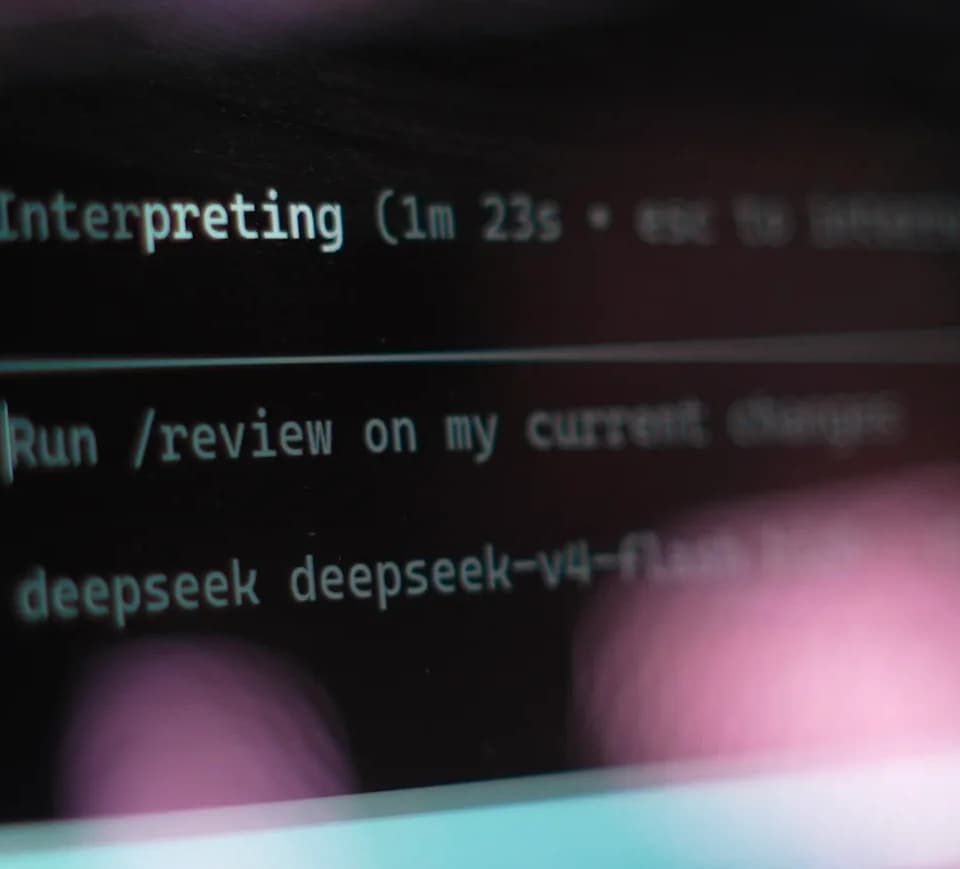
The quickstart documents reviewing uncommitted changes and resuming the last conversation with its context and working directory. That makes a multi-step repository task possible without starting from scratch.
Resuming context is not evidence that a previous change passed tests. Read the diff, run relevant checks and confirm the working directory before continuing. A useful first evaluation is an inspection-only request followed by a small, reversible change; this directory has not benchmarked the agent's coding quality or its sandbox enforcement.