
Genaraera
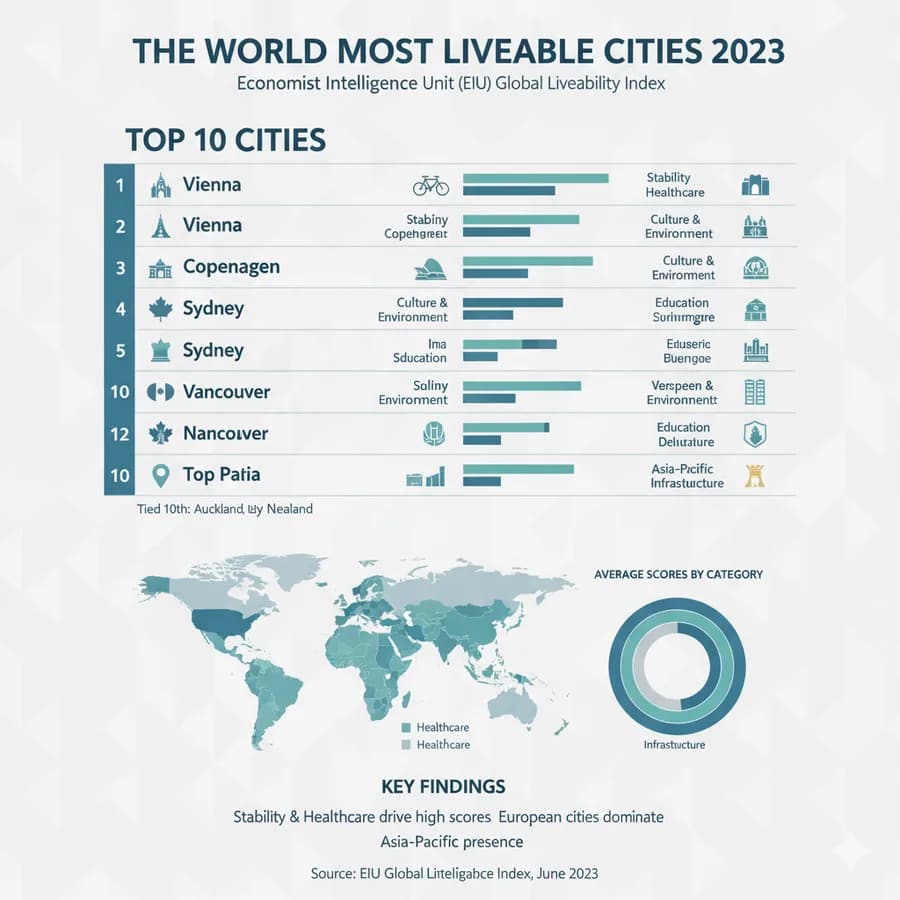
Genaraera is a browser-based AI infographic generator. Its official page describes supplying a design description and data, then downloading a generated infographic. It also offers a reference-image route for borrowing a visual direction. The result is an image to inspect, not automatically validated analysis of the input.
Specify the message and the data
The page suggests formats such as statistical charts, timelines, process flows and comparisons. Choose the format around a clear relationship you want a reader to understand, then provide the relevant data and units. Avoid asking the model to invent missing figures to complete an attractive layout.
A reference image can guide the style, colors and layout. Use a reference you have permission to adapt, and distinguish its appearance from the evidence in your own data. A matching design does not establish that the generated chart represents the figures accurately.
For a useful evaluation, start with a small dataset whose relationships you can verify manually. Compare every number, label and category with the original input before sharing the image. These are suggested checks, not an infographic we generated or a measured accuracy test.
Inspect the visual and its output size
The interface lists multiple aspect ratios and different generation models. The Basic description gives an approximate 1024-by-1024 maximum, while the Pro description offers 1K, 2K and 4K options. Resolution alone does not determine whether text is legible or a chart's proportions are truthful.
Check cropped labels, spelling, legends, dates and the spacing of a sequence. If a generated diagram implies causation, hierarchy or a process step you did not provide, correct it before publishing. Keep the original data so another reader or reviewer can follow the source of the visual.
The page advertises downloading output for presentations, websites, social media and print. It does not establish a full editable chart file or the ability to recover a reliable data table from the generated image.
Match the credit budget to the model
The displayed model information charges one credit for Basic, three for Pro at 1K or 2K, and five for Pro at 4K. An advertised credit pool therefore corresponds to different numbers of images depending on the selected route.
The captured plan cards show annual charges and separate commercial-license labels on higher tiers. Confirm the selected billing cycle, model charge and rights before using an output commercially. Do not treat a vendor testimonial about engagement or faster production as a forecast for your project. No hands-on generation, export or data-fidelity test was performed.