
AI-Powered LMS & Course Builder
One Course is a learning management system with an AI course builder. A creator can enter a topic or upload a document, and the AI drafts modules, quizzes and images. The same platform provides course delivery and learner administration.
Turn source material into a course draft
The topic or document workflow gives a training team a starting structure for its material. One Course also lists an AI quiz generator. For an internal procedure, review the draft against the source document before learners receive it. Check that terminology, examples and quiz answers match the process being taught.
The publisher targets training providers, corporate teams and home-care organizations. Those use cases establish the intended audience; they do not establish that a generated lesson meets a particular professional or regulatory standard. A subject expert still needs to assess the course's content for its intended learners.
Assign learning and support mobile access
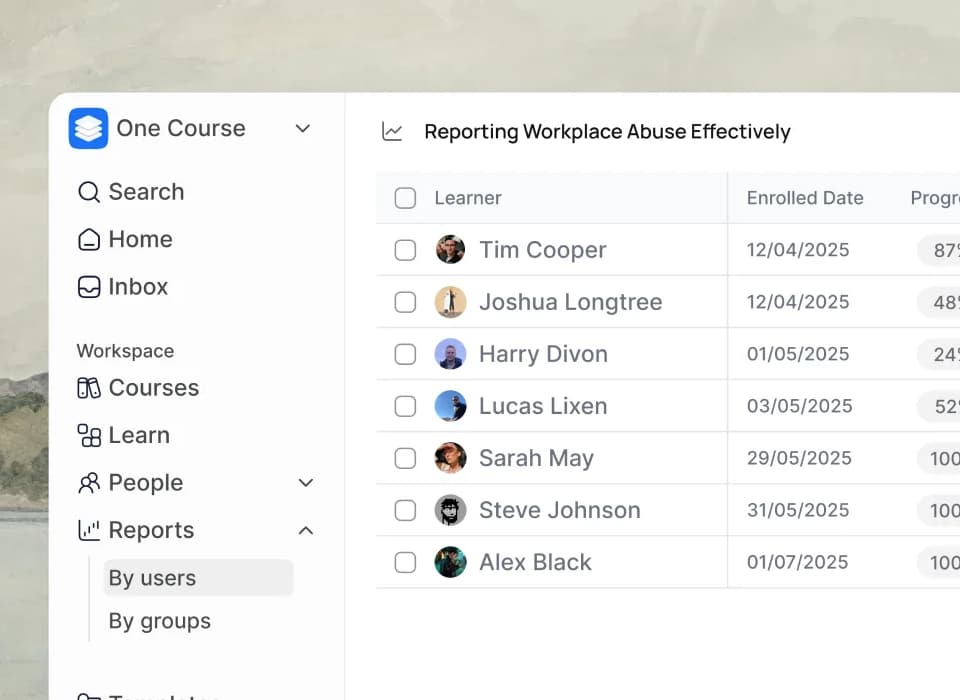
Learner-management functions include assigning or revoking courses, setting due dates and prerequisites, and automatically enrolling learners in pathways. This supports an administrator who needs to arrange a sequence of training rather than send out isolated course links.
The publisher describes a responsive mobile experience with push notifications and progress syncing. For a team whose learners work away from desks, check the course on the devices they will use, including the readability of uploaded material and the experience of completing a quiz.
Match plan capacity to the training program
The plan comparison lists a Free tier with five courses and up to five users, learner management, basic analytics and email support. Plus adds SCORM export, groups and group reports. Higher tiers add larger administrative allowances, more AI credits and, on Ultra, custom branding.
The captured paid-price fields contain animated digit sequences rather than reliable amounts. The page also gives inconsistent Pro course limits across its cards and comparison table. Confirm the current price and course allowance directly before budgeting. User capacity, admin and editor seats, storage, and AI credits are separate limits to check for a planned rollout.