
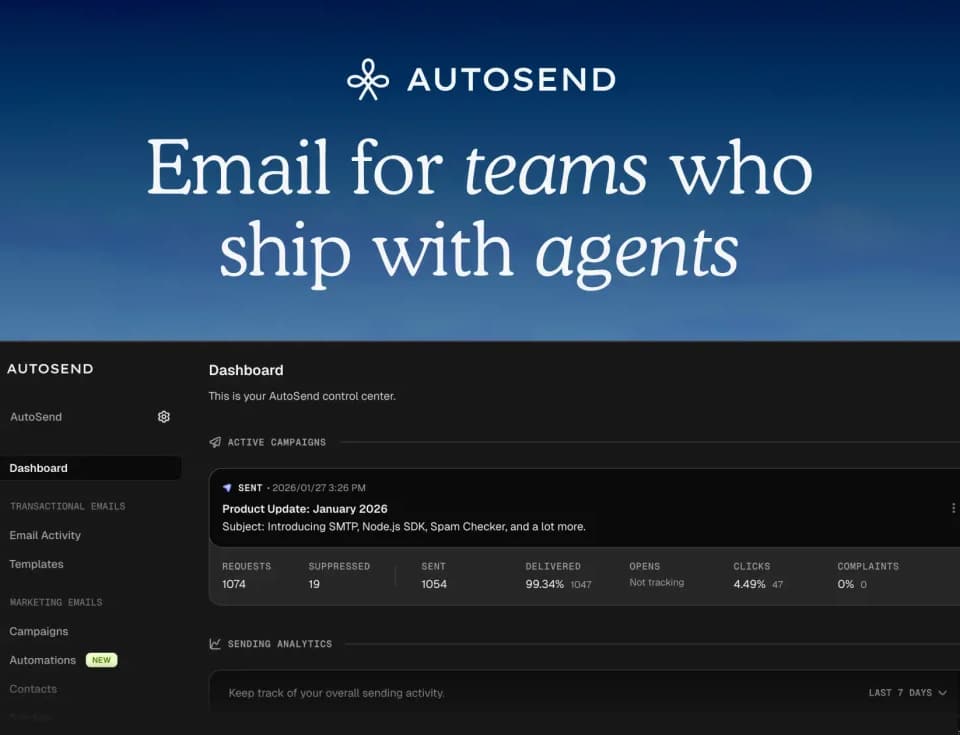
AutoSend: Send better emails.
AutoSend is an email platform for developers and marketers, with an emphasis on teams using AI agents. The official homepage groups transactional messages, marketing campaigns and automation in one service. Its agent-facing offerings include an email API, MCP tools and a published skill resource.
Send application messages and parse replies
Transactional messages can use a REST API or SMTP. The homepage lists SDKs and examples for several programming languages, so developers can select the route that fits their application rather than relying on a particular visual campaign editor.
The inbound API returns parsed bodies, attachments, headers and authentication checks. Webhooks report delivery, opening, bouncing and failure events. These are different steps in an email workflow: receiving an event does not establish that a recipient read or understood the content.
AutoSend also presents MCP tools for templates, campaigns, contacts and delivery statistics. Agent access can therefore include actions that affect real recipients. Scope the intended operations and review messages before allowing an agent to run an external campaign; this directory has not sent test messages or connected an account.
Build campaigns and event-triggered sequences
The marketing tools include campaign creation, audience segmentation and a Markdown email builder with previews. The site describes segmentation based on behavior, contact properties and engagement signals. Domain warmup is a separate listed feature, not a guarantee that every message will reach an inbox.
Automation can create welcome, onboarding and re-engagement sequences. Triggers include user actions, changes to contact properties and custom product events. Begin with a known test event and check the selected recipient group, message and timing before enabling a broader sequence.
Separate projects have their own contacts, domains and API keys. That separation can help when managing more than one product or environment, but it still requires careful configuration of the credentials and sender you use.
Choose the plan around sending requirements
The pricing page distinguishes marketing-plus-transactional access from transactional-only access. It describes volume-based billing, while its feature comparison shows that contact allowances and other limits can differ by tier.
Check monthly sending volume, project and domain limits, retention and the features your workflow needs. The captured FAQ lists a free-plan question without its answer, so it does not establish a free allowance. Homepage delivery statistics and customer testimonials are vendor-reported figures, not a prediction of your campaign's results.