
UX Pilot
Explore a product's screen layout
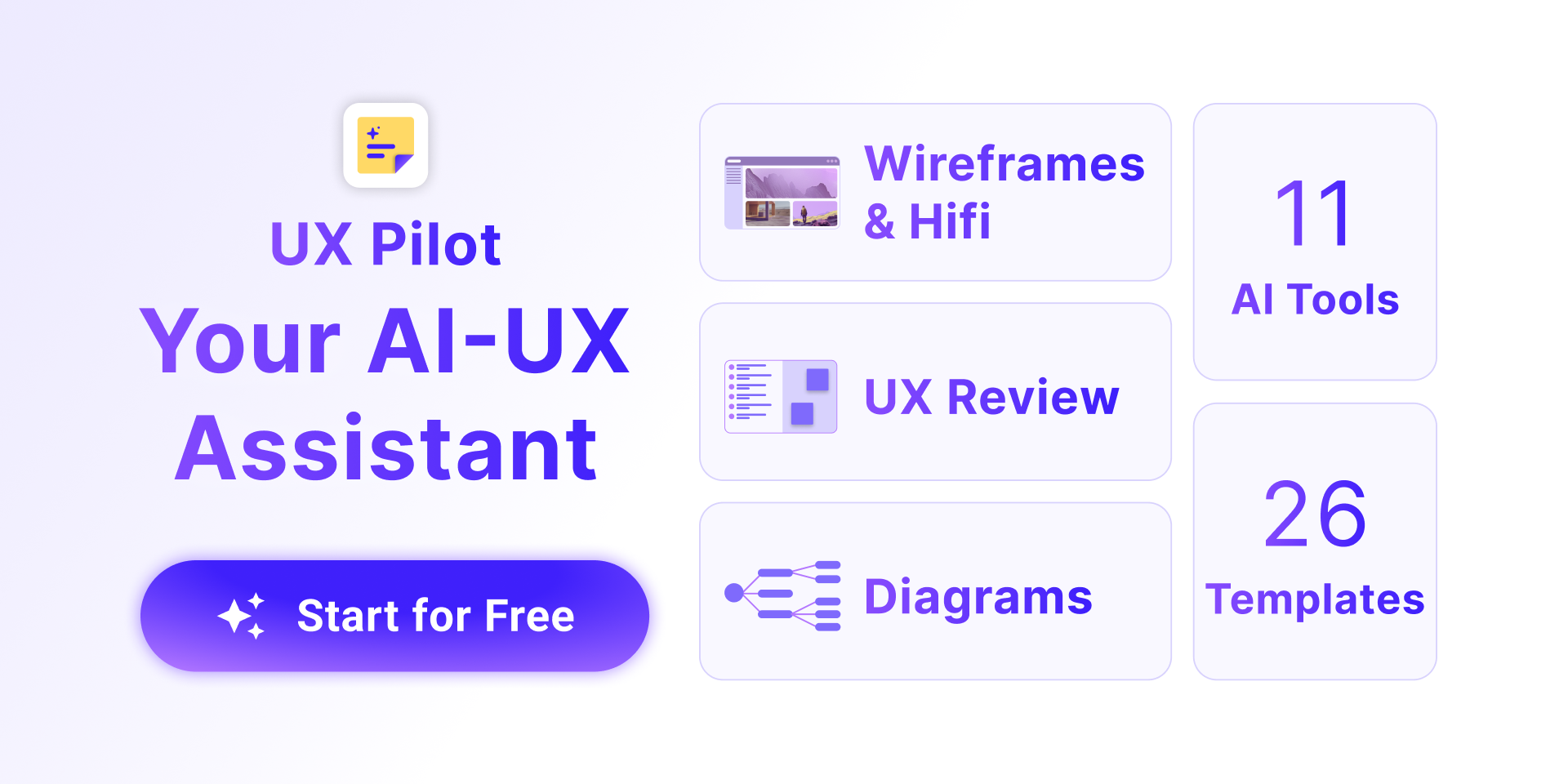
UX Pilot is an AI design workspace for turning a product idea into interface concepts. Its official overview describes prompt-led design, sketch and document inputs, wireframes and higher-fidelity screens. UX Pilot describes generating low- and high-fidelity wireframes. Use the initial result to choose a direction before treating it as a specification for a developer.
A useful starting brief names the user, their task and the information a screen needs to show. For a booking form, include the required fields and the action that completes the task. Leave visual refinements until the layout supports that goal. This is a suggested review process, not a claim that a generated design has been tested with users.
Refine screens and their connections
The UI-generator page describes layout alternatives, screenshot references and converting a product requirements document into a UI. You can ask for changes to colors, layout or elements through conversation. The UI-generator page offers multiple layout alternatives for one screen.
UX Pilot also describes Autoflow for connected screen journeys and an editable flowchart feature. Review the connections as well as each screen's appearance. A checkout concept needs clear paths for corrections and failure states, not just a success screen. Generated flows still need decisions about requirements, content and the behavior of the finished application.
Bring the design into your existing tools
The publisher describes a Figma connection, editable layers and auto-layout handoff. UX Pilot describes importing Figma components to keep designs consistent. It also advertises code export, including React, HTML and Tailwind, and code synchronization with GitHub repositories.
For an existing product, inspect the components, spacing and terminology against your design system before accepting a result. An export is a starting handoff, not evidence that the resulting code meets accessibility, security or runtime requirements. The descriptions here come from publisher pages; no Figma transfer or exported application was exercised for this entry.
Check the plan and evidence behind claims
The website offers a free starting workflow, while the captured plans page does not expose numeric prices or generation allowances. Confirm the current plan details in the service before estimating repeated design work. A free-start invitation should not be read as unlimited generation or unlimited export access.
The pages also promote fast output and production-ready quality, but those marketing descriptions are not measured results in this overview. Some FAQ questions appear without their answers in the captured pages, including the SOC 2 question. That does not establish compliance. Review the actual terms and any available assurance documentation before uploading confidential product requirements or connecting company design assets.