
VibeMe
VibeMe builds music videos from prompts, lyrics, or an existing audio track. The publisher describes song generation, scene creation, animation, and lip-sync in one workspace. It also offers lyric videos and a workflow for making a portrait appear to sing.
Build visuals around your track
VibeMe says you can upload your own song or paste lyrics, then generate scenes matched to the track's rhythm and structure. Start with a song you have permission to use and identify the sections that need different visuals. A quiet verse and an energetic chorus may need different pacing even when they share a character or setting.
The product includes storyboard control, according to its FAQ. Review the scene sequence before committing to a full render, and compare the finished video with your intended narrative. A claim of rhythm matching does not establish that the visuals explain a lyric or make a transition at the point you wanted.
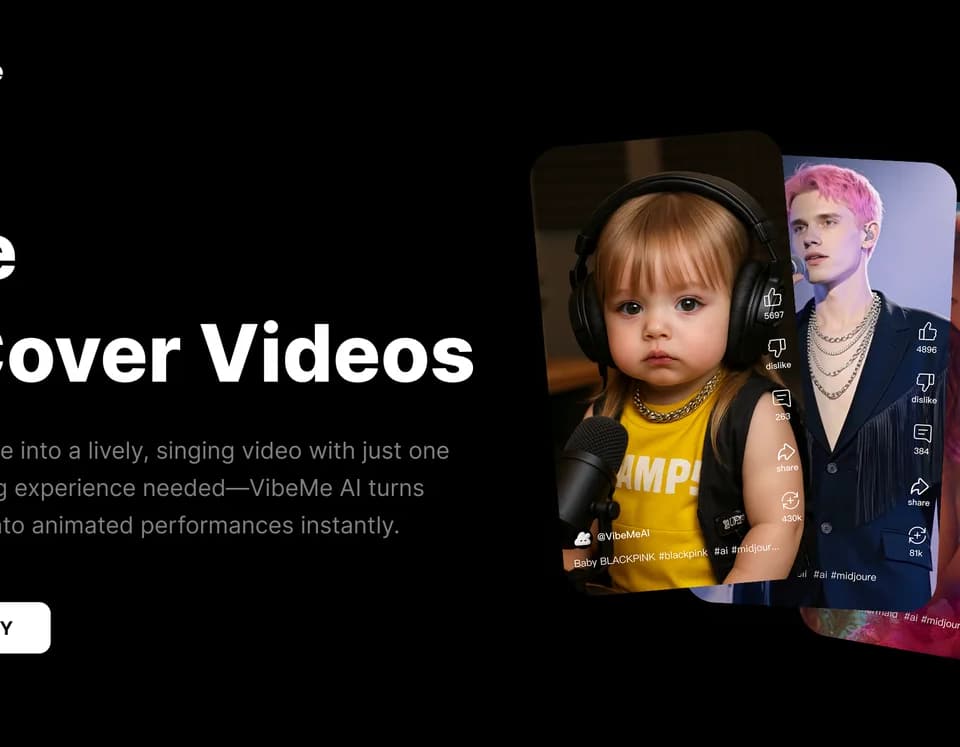
For a singing portrait, the service combines an image with an audio track or generated lyrics. Inspect mouth movement and facial detail through the clip, particularly around fast words or a change of expression. Use images of people only with the permissions needed for the intended use, and avoid presenting a synthetic performance as something the person actually recorded.
Choose a lyric-video format
The FAQ advertises vertical 9:16 and horizontal 16:9 lyric videos with timed captions and animated typography. Select the format that fits the destination before reviewing the text. Check spelling and line breaks at the size a viewer will see, rather than relying on a full-screen preview.
VibeMe also claims beat-synchronized visuals and frame-by-frame lip-sync. Treat those as capabilities to evaluate in your own result, not a guarantee that every phrase lands correctly. Download and inspect the final file before publishing a paid campaign or a release tied to an artist's name.
Check the commercial plan
The free plan includes daily credits and standard models. Higher credit capacity, resolution, and commercial use require an upgrade; the publisher specifically attaches a commercial license to the Creator plan. Check that your active plan covers the generated video and that you also hold rights to the uploaded song and portrait.
VibeMe estimates that most videos finish in two to five minutes, depending on length and resolution. Creator users receive priority compute, but that is not a fixed completion guarantee. The FAQ does not provide exact prices or task-level credit costs, so confirm those before planning a batch of videos.