
TheDrive
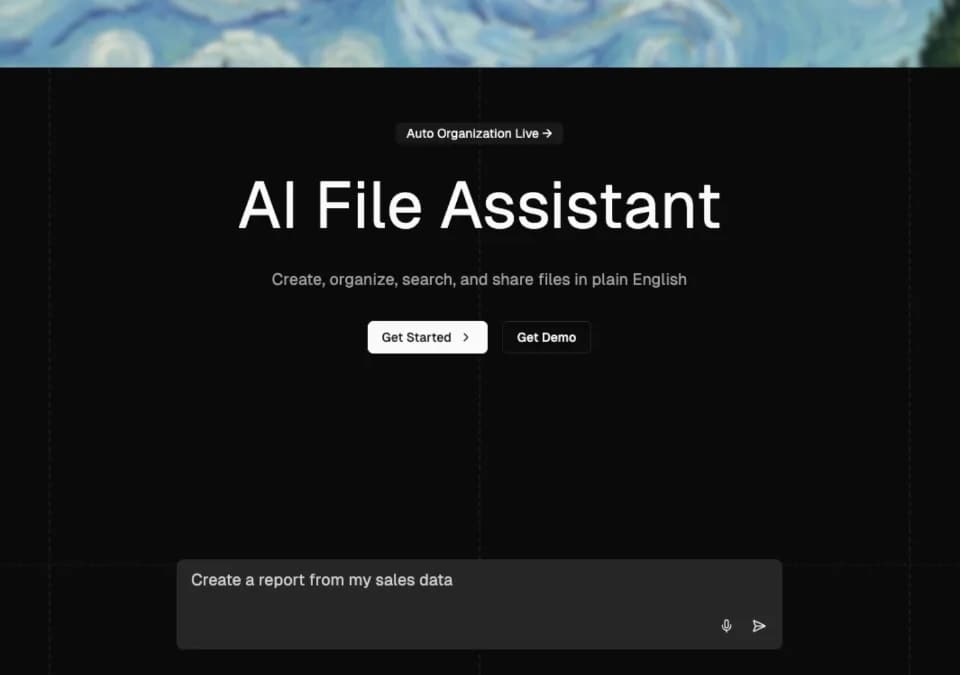
The Drive AI is a document-management workspace that reads file content to help organize, search and share it. Its agent also creates documents and performs file operations from written instructions. The service is distinct from Google Drive, although it lists integrations with that and other storage providers.
Try organization rules on a small set of files
The publisher describes renaming and filing documents according to their contents, rather than their original filenames. It lists PDFs, Word documents, spreadsheets and scanned documents among supported material. A content-based rule could help sort an invoice by its client and period even when the uploaded name is unhelpful.
The workflow feature applies instructions to files that arrive later. The homepage says you can inspect steps before execution and replay a run. Start with a small representative set and verify the resulting folders and filenames before enabling a rule across a full archive. Confirm recovery controls before authorizing moves or other changes to important records.
Inspect the cited file behind an answer
The Drive AI advertises answers with the exact source file and section cited. It also says the agent asks before searching the web when information is absent from your documents. Use those references to check the underlying passage, particularly where a summary involves contract language or financial figures.
The service lists PDF operations such as merging, splitting and extracting pages. It also describes creating formatted PDFs, Word files, spreadsheets and Markdown. Review generated documents for missing sections and incorrect values before sharing them externally. A cited answer or formatted report is not a guarantee of accuracy.
Review integrations, permissions and plan limits
The homepage lists Gmail and Outlook integration for filing attachments, along with connections to Google Drive, OneDrive, SharePoint, Dropbox, Slack and Microsoft Teams. Confirm the permission scope and whether your selected integration imports files, organizes them in place or exports results. Those are different operations with different consequences for the source account.
The service also advertises file-, folder- and workspace-level permissions and scoped sharing links with expiry. Test a link as its intended recipient before sending sensitive material. Do not assume a workspace invitation and an external sharing link grant the same access.
The FAQ says a free plan includes organization, content search, document creation and desktop and mobile apps. Premium adds storage, email integration and advanced models, but the homepage does not provide a complete price or allowance schedule. The desktop app is listed for macOS, with mobile apps on iOS and Android.
The publisher states that files are encrypted and not used for model training. Review current privacy, retention and integration terms before connecting a confidential inbox or document collection.