
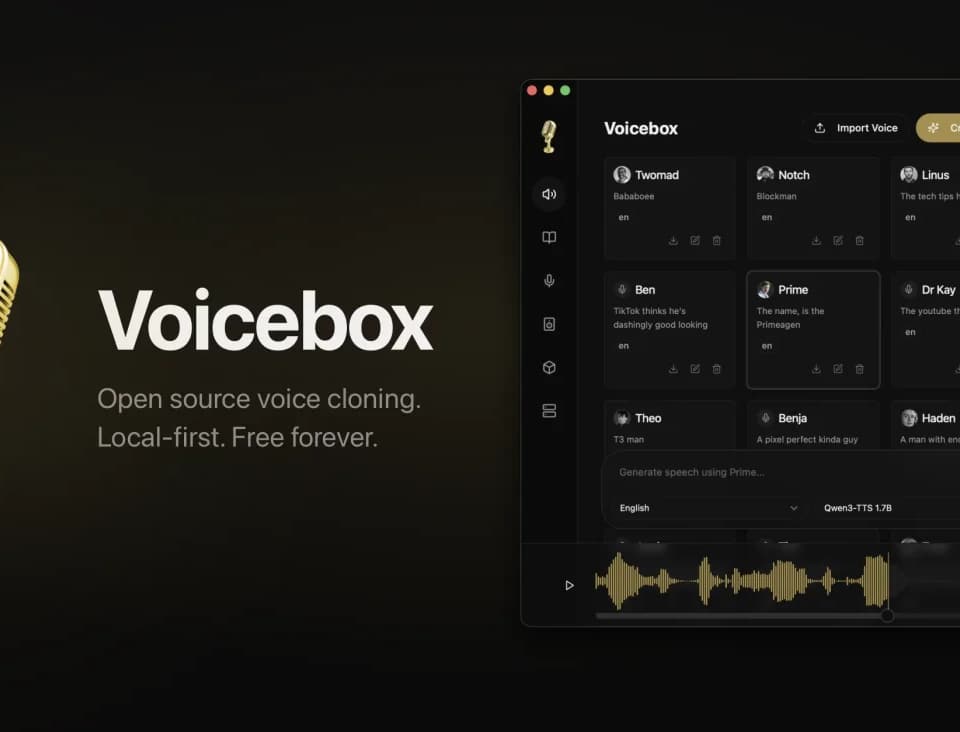
VoiceBox
Voicebox combines voice cloning and text-to-speech with desktop dictation. The open-source app offers several speech engines and runs on macOS, Windows and Linux, although Linux users are directed to build from source. Its publisher, Spacedrive Technology Inc., lists the app under the MIT license.
Choose a speech engine and a voice
Voicebox accepts an uploaded audio clip, a microphone recording or captured system audio as a voice sample. The publisher advertises cloning from as little as three seconds of audio. Use recordings you have permission to clone, and check the consent and licensing requirements before publishing a synthetic voice. Celebrity examples on a product page do not grant permission to impersonate those people.
The app lists seven text-to-speech engines, including Qwen3-TTS, Chatterbox, TADA and Kokoro. Their controls differ: Qwen supports delivery instructions, while Chatterbox Turbo offers tags for sounds such as laughter. Choose a model for the language and delivery you need, then listen for pronunciation or pacing mistakes. The Stories editor lets you arrange multiple voices on a timeline and trim their clips.
Voicebox presents itself as a local alternative to ElevenLabs' voice-cloning platform. Both address synthetic speech; Voicebox emphasizes running models on your own machine, while ElevenLabs also offers a hosted workspace and API. That choice affects setup and the resources you need, rather than establishing which produces better speech.
Dictate or give an agent a voice
A keyboard shortcut records speech and sends the transcript to the focused text field or clipboard. Voicebox lists Whisper models in several sizes and offers optional local transcript cleanup using Qwen3. Review the cleaned text before sending it, particularly where a correction changes a name or number.
MCP-aware agents can call the app's speech tool using a selected voice profile. A local REST interface also exposes speech generation and voice-profile operations. These integrations let a developer add spoken replies without treating Voicebox as a hosted service. Connecting a remote inference machine changes where that processing happens.
Separate the free app from planned cloud storage
The pricing page lists the Local plan at $0 with no account required. It includes cloning, dictation and unlimited local generation. Your computer still needs resources suitable for the models you select.
Cloud backup and sync are marked coming soon. The displayed Cloud launch price is $12 per year; Studio shows $48 per year as placeholder pricing. The publisher says cloud prices and limits will be confirmed at launch, so do not plan a storage workflow around those figures yet.