
BeatViz
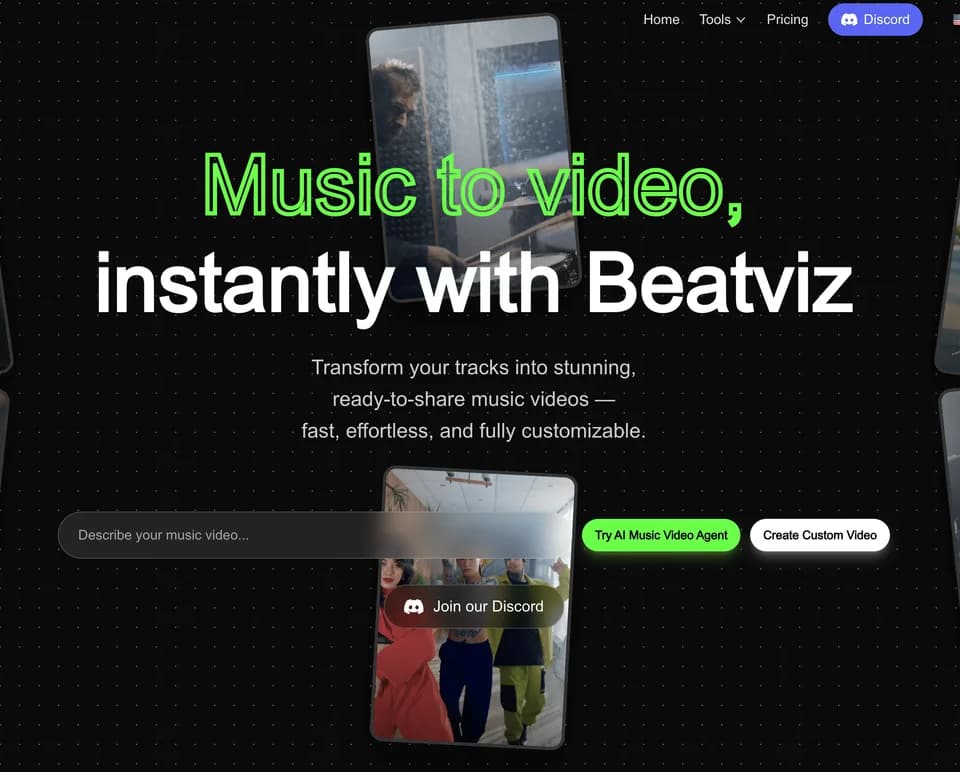
BeatViz provides AI music-video creation through chat, a guided workflow and a timeline editor. The official overview describes uploading a track, specifying a visual idea and generating scenes around the music. It also presents music generation when you start without your own audio.
Build a music-video project
The chat route lets you guide an AI director through a concept, styles, characters and shots. The guided workflow organizes creation step by step, while the editor supports rearranging and refining clips on a timeline.
BeatViz describes analyzing rhythm and mood to synchronize visuals with a track. Treat its promises of perfect synchronization as product claims, not a verified result for every song. Review cuts against the actual audio before publishing.
The platform integrates third-party generation models. It should not be confused with the original publisher of every model named on its site, and model availability can affect the options presented during creation.
Refine generated scenes and audio
A generated clip may need changes to its character appearance, motion or relationship to the song. Use the editor and preview to inspect the project rather than assuming the first result matches the whole brief.
If you do not upload a track, BeatViz describes generating background music, sound effects or dialogue from a prompt. That feature does not independently establish that a generated soundtrack is cleared of third-party rights.
The publisher lists example videos, testimonials and tutorial titles. They illustrate the product's intended uses; this article does not claim those videos were watched or that their performance statements were independently verified.
Budget for credits and billing terms
The pricing page lists subscription allocations and one-time credit packs. Annual cards show a monthly-equivalent price billed annually, so distinguish that commitment from a month-to-month payment.
The publisher labels its standard-video counts as estimates. Actual credit use varies with model, duration, resolution, lip sync and regeneration. Plan a budget that leaves room for revisions instead of assuming each credit allocation produces an exact number of finished videos.
The FAQ says unused credits roll over and do not expire. Paid plans list watermark-free exports and commercial use rights. Those terms do not provide blanket clearance for uploaded music, trademarks or other material you do not control.
BeatViz is relevant for creators preparing music-led visuals who can review the scenes and rights. Its source material does not demonstrate a hands-on speed comparison or guarantee professional results from any prompt.