
Reasonix
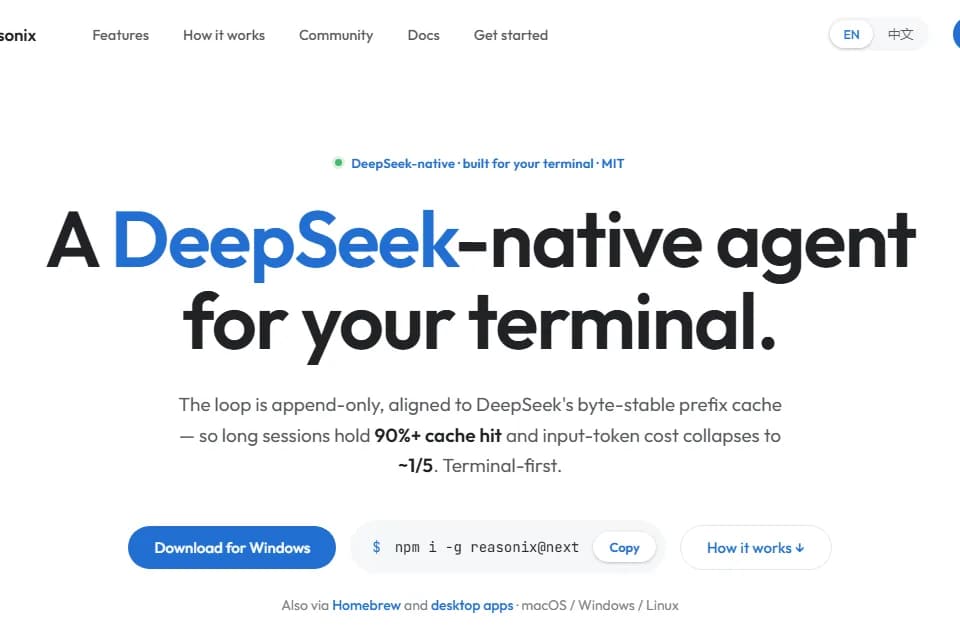
Reasonix is an MIT-licensed coding agent with several interfaces: a desktop app, a terminal interface, a local browser UI and editor access through ACP. It combines planning, tool permissions and checkpoints to make a longer coding session reviewable. Those controls help you inspect a run; they do not establish that an autonomous edit is correct.
Choose the release line and interface
The homepage distinguishes Studio 2.x from the 1.x command line and says they do not share sessions. Studio offers desktop management of sessions, settings and approvals. The command-line interface supports terminal and headless work, while an editor extension connects to an installed Reasonix process rather than bundling it.
Check the platform-specific download before adopting either line. Studio lists macOS, Windows x64 and Linux amd64 packages, while the command line has additional builds. Do not assume that a session started in one release line will appear in the other. Keep important project work in your normal version-control workflow.
Review permissions and checkpoints during a run
Reasonix describes separate approval for reading, writing and shell commands, plus a workspace sandbox that limits what commands can touch. Its plan mode holds writes until you approve the plan. Review both the proposal and the actual diff, especially before accepting changes to authentication or deployment code.
The publisher says each turn creates a checkpoint outside Git, allowing a turn to be undone without changing commit history. Confirm what the checkpoint covers before relying on it for recovery. A tool-level undo is not a substitute for a tested backup of data outside the project.
Reasonix also supports MCP tools, Markdown skills and subagents with isolated tool sets. Grant only the external integrations a task requires, and inspect instructions or commands from unfamiliar sources before running them.
Separate local execution from model processing
The homepage says the engine runs locally and uses your own DeepSeek key. It also states that code goes to the configured model. Local-first therefore does not mean that code remains entirely on your computer. Review the model provider's terms before submitting private source material.
The browser interface is local by default; the publisher recommends authentication before sharing a tunnel or remote port. Follow that distinction when allowing access from another machine.
The open-source license covers the software, not the cost of model requests or every connected tool. Check usage and review test results during a long session rather than treating the homepage's demonstration cost as a budget for your repository.