
LiveSunday
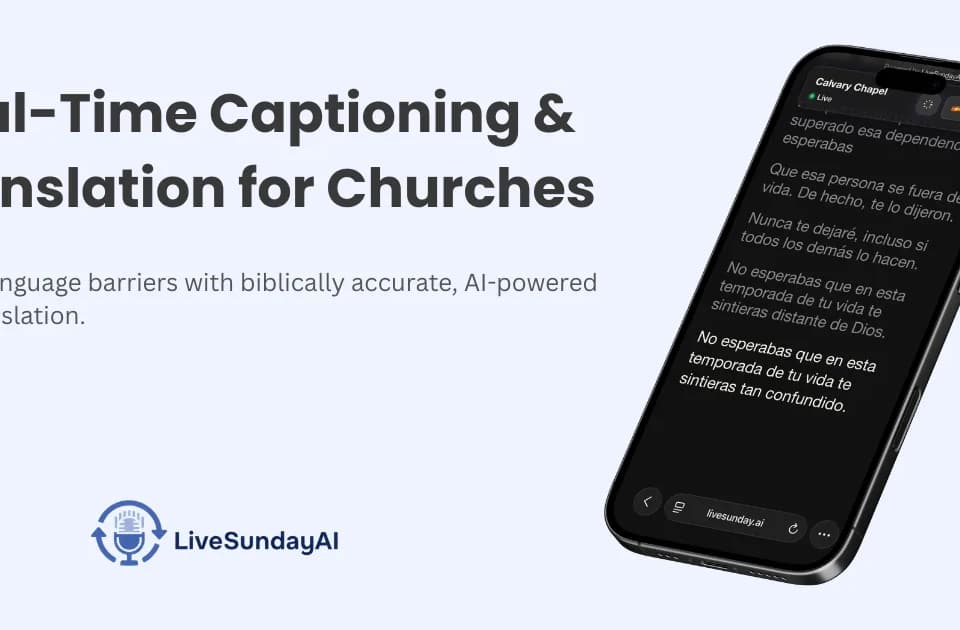
LiveSunday provides live captions and translation for church services and other events. A media team connects the event's audio to a computer and shares a link or QR code with attendees. The official product page describes both original-language captions and translated text, alongside audio translation on eligible plans.
Let attendees follow on their own devices
Attendees can open captions on a smartphone or tablet without downloading an app. Each listener chooses a preferred language, making the phone view useful for a congregation with several language needs or for people following remotely.
The publisher says LiveSunday recognizes more than 60 source languages and translates captions into more than 120 target languages. That distinction matters: a language offered for translated output is not necessarily supported as spoken input. Confirm both ends of the language pair you need before the event.
Custom vocabulary supports names, places and domain-specific terms. A church can add words that occur often in its services and inspect the resulting transcript. LiveSunday stores full transcript history and usage insights for review after a session; generated captions still deserve checking before reusing them in a published sermon transcript.
Put captions into a broadcast or venue display
The caption integration guide explains how to create a caption link with a chosen language and style, then use the resulting transparent overlay URL in streaming or presentation software. The guide covers OBS Studio, ProPresenter and vMix, with options for MediaShout and EasyWorship.
The overlay displays captions only while a LiveSunday session is running. A team should start the session before going live and check the overlay within its actual scene or slide. Separate links can display separate languages, such as English on one screen and Spanish on another.
Match the plan to hours and languages
LiveSunday offers the first two hours free. Pay-as-you-go costs $5 per hour and includes one translation language. The pricing page lists extra-language charges as well as Pro and Advanced subscriptions with included hours and overage rates.
Advanced lists voice translation and API automation. Plan selection therefore depends on the number of event hours, the translation languages required and whether listeners need spoken translation. Review the billing period and extra-use charges before scheduling a regular service; the displayed annual rates should not be mistaken for unrestricted monthly usage.