
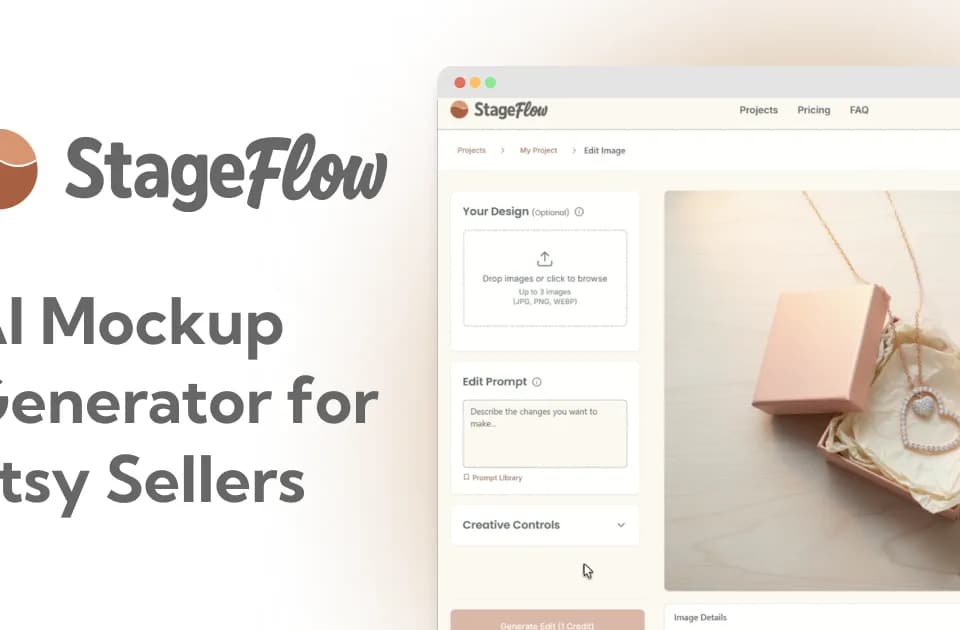
StageFlow.ai
StageFlow.ai creates AI product mockups for Etsy sellers. You upload a product photo, artwork, logo, or packaging image, choose a scene, and generate a new listing image. The product focuses on lifestyle photography and shop visuals for physical goods such as candles, mugs, jewelry, and art prints.
Choosing a product scene
StageFlow offers 16 ready-made scene prompts and 41 aesthetic styles. Examples include a cozy coffee table or minimalist flatlay, with styles such as Boho, French Country, and Dark Academia. You can also describe your own scene and combine several uploaded assets.
This gives a seller a way to explore how the same item looks in different settings. Start with a product image whose important details are visible, then compare the generated mockup with the original before adding it to a listing. A lifestyle scene should still represent the item you sell.
Credits, downloads, and plan limits
Each new mockup consumes one credit; downloading, saving, and cropping do not consume credits. The Free plan provides ten one-time credits and 1024px downloads, with no credit card required to start. Paid plans list unlimited projects, high-resolution downloads, and credit-pack top-ups.
The pricing page shows Starter with 30 credits per month, Creator with 100, and Studio with 300. Its displayed dollar amounts accompany annual billing totals, so check the selected billing period before purchasing. Paid plans allow up to 50% of unused subscription credits to roll into the next month, subject to a plan-specific cap. Free users must upgrade to access paid credit packs.
Commercial use and imperfect outputs
StageFlow says you have full commercial rights to generated images, including use on Etsy, social media, and your website. The homepage advertises 4K high-resolution output, while the Free plan specifies 1024px downloads; choose a plan that supplies the resolution you need.
The publisher acknowledges that an AI result can look odd and recommends regenerating or adjusting the description. Because a new generation uses another credit, leave room in your allocation for revisions. Inspect fine product details and the overall scene before relying on the mockup as a customer-facing image.