
Drizz
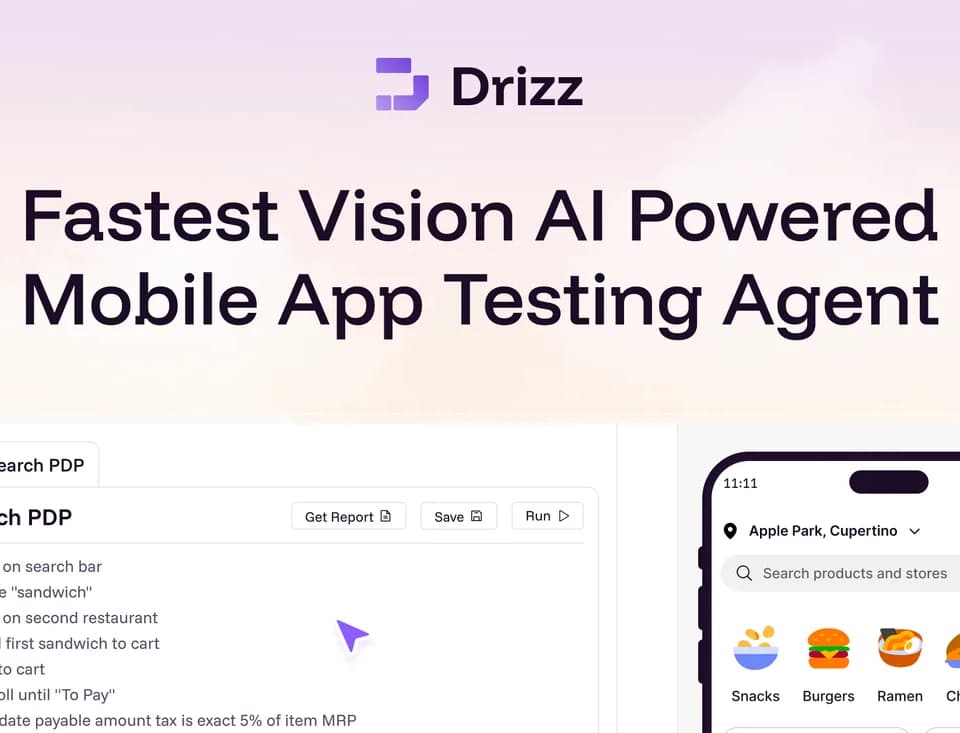
Drizz is a mobile test automation platform that turns plain-English test steps into executable flows. It uses Vision AI to work with the app's interface and supports Android and iOS testing on real devices. The service is aimed at QA teams and developers maintaining mobile test suites.
Authoring and running mobile flows
The published workflow starts with connecting a build, describing a test in English and running it on a device. The website shows APK upload as one entry point. Tests can cover mobile UI flows and include advanced logic when a team needs it.
Drizz describes self-healing tests that adapt when the interface changes. Its engine also uses state detection and adaptive waits to check for an expected UI condition before moving to the next step. These are publisher-described capabilities; the homepage's comparative speed and flakiness figures are not a guarantee for a particular app or test suite.
Supported flow types include deep links, background and foreground transitions, cold starts and push-notification validation. The page also lists accessibility testing and visual regression testing. A team evaluating Drizz can choose a representative flow from its own app to assess how these features handle its screens and assertions.
Debugging and pipeline evidence
Runs produce artifacts including logs, videos, screenshots and device metadata. Drizz stores those artifacts under unique execution IDs and offers APIs and webhooks for exporting them to CI dashboards. Screen state and step history are also described as debugging aids.
The platform supports CI/CD integration. Centralized management covers apps, builds, plans, devices and environments, giving teams a place to track suites and runs alongside their delivery pipeline. Enterprise options include on-premises or VPC deployment, SSO/SAML and custom retention settings.
Access and plan differences
The free trial includes 50 test runs, APK upload, plain-English authoring and basic visual bug detection. Pay As You Go lets customers buy test runs as needed and includes unlimited test authoring, CI/CD integration and seven-day test history.
The Team plan adds a shared workspace, collaboration and priority email support. Enterprise lists unlimited test runs, a dedicated account manager and custom SLAs. The captured homepage names these plans but does not list paid amounts. Start with the trial or contact sales to establish the run cost, required device coverage and deployment arrangements for your team.