
Birthday Invitation
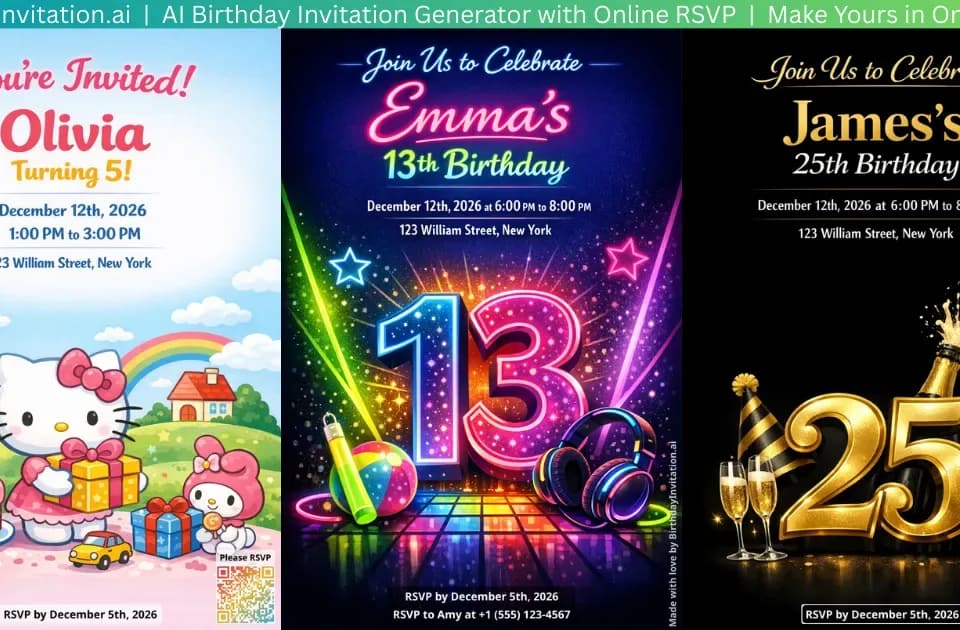
BirthdayInvitation.AI combines AI-generated birthday invitations with online RSVP tracking. The about page describes entering party details, choosing a theme and downloading a print-ready invitation with a QR code. Guests scan that code to respond through a browser.
Make the invitation accurate before sharing
The design workflow supports different ages and themes, with a portrait option that places the birthday person into a scene. Use a photo you have permission to upload, and consider whether a portrait is needed at all.
Review the name, date, time, address and other party details after generation. Test the QR code from a printed sample at the intended size before distributing a large batch. A themed design does not establish that every generated word or visual detail is correct.
The homepage also describes uploading an existing invitation to create a free RSVP form. That allows a host to use a design made elsewhere rather than buying AI generation solely to collect responses.
Collect only the responses you need
The RSVP form supports headcounts, messages and dietary information. Hosts can make email or phone details required or optional, set a response capacity and export guest information. The page says guests do not need an app or account to respond.
Avoid collecting unnecessary personal information and share the response link only with the intended guests. Confirm the service's retention and access terms before recording contact details or sensitive dietary information; the captured pages do not give a detailed privacy specification.
A wishlist feature lets guests claim items and see which gifts are taken. That is separate from invitation generation and does not replace the host's responsibility to check event details and guest arrangements.
Separate free RSVPs from design credits
The pricing page sells one-time credit packs without a recurring subscription and says purchased credits never expire. Credits pay for generating or editing invitations, stylized photos and removing the RSVP-page watermark.
The homepage describes the basic RSVP form as free, but plan cards show a guest allowance and watermark removal costs credits. Confirm the applicable capacity and paid extras rather than assuming its broad no-limits wording covers every feature.
Before purchasing, check how many generations and revisions your event needs. This overview follows the published design and response workflow; it does not report an invitation generated, a guest contacted or an RSVP submitted.