
Zapier: Automate AI Workflows, Agents, and Apps
Zapier connects business applications so teams can move work between services and run repeatable processes. Its current publisher overview describes building through an AI conversation, running the resulting automation on Zapier, and governing the connected actions.
Workflows that respond to events
A Zap is an automated workflow across applications. The publisher describes setting a trigger so a workflow runs when the relevant event happens, without asking in chat each time. That suits recurring operational tasks where the input and desired action can be defined.
For a first evaluation, select one process with a clear beginning and end, such as routing a test request to an appropriate destination. Write down the expected fields and what should happen if a required value is missing. Compare a normal run with an incomplete input before allowing the workflow to handle a larger queue.
Connect an AI tool to business actions
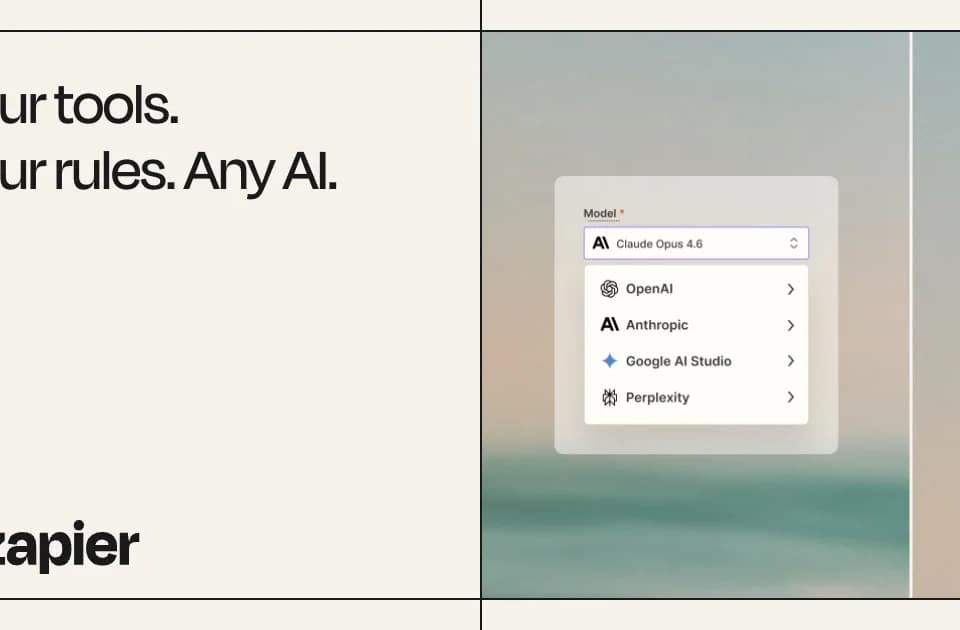
Zapier MCP connects AI tools with business applications. The homepage names Claude, ChatGPT, and Cursor among the tools supported through that connection. Teams can use the conversation to develop a workflow while controlling which actions it can access.
The publisher labels Next Gen Zaps as early access. This offering adds AI-oriented workflow construction and recovery features. Confirm access before planning around it, and treat the publisher's self-healing language as a product claim requiring evaluation on the intended process.
Permissions and ongoing operation
Zapier describes controls at the application, action, and connection level, together with visibility into workflow runs. For adoption, decide who owns the automation and who can change its connected permissions.
A useful review should include duplicate events and an unavailable destination. Inspect what the automation did, whether an operator can identify the failed step, and how work resumes after correction. These are suggested evaluation criteria, not results from a Franklin deployment. Check current usage allowances and the exact app actions required before treating a prototype as an operating process.