
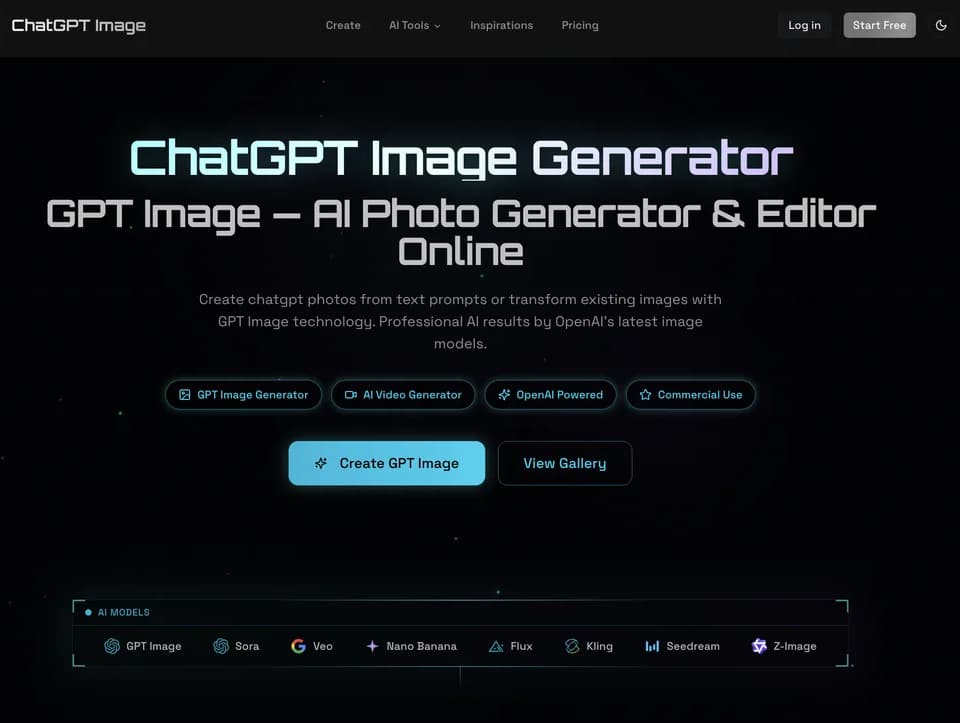
ChatGPTImage.app
ChatGPT Image is a browser-based AI image generator and editor for creating visuals from text prompts or transforming uploaded photos. It supports GPT Image models alongside other image and video models, with options for aspect ratio, resolution, reference images, and output quantity.
What it does
ChatGPT Image provides text-to-image and image-to-image workflows. Users can describe a subject, style, mood, composition, lighting, or required text, then select a model and output settings before generating an image. For editing, users upload PNG, JPG, or WEBP references and describe what should change while preserving other parts of the image. The interface supports multiple reference images, with uploads of up to 10 MB each and up to 16 images shown in the workspace.
The platform says its GPT Image models are designed for readable in-image text, photo editing, and outputs up to 4K. Available controls include 1K, 2K, and 4K resolution options, several aspect ratios such as 1:1, 16:9, 9:16, and 4:3, plus optional style, color, lighting, and composition settings. It also includes text-to-video and image-to-video tools for turning prompts or still images into short videos.
Notable capabilities
- Text-to-image generation for photos, marketing graphics, social posts, posters, and other visual concepts.
- Image-to-image editing for style changes, background swaps, detail enhancement, and broader photo reimagination.
- Multiple AI models, including GPT Image 2.5, GPT Image 2, Veo, Nano Banana, Flux, Kling, Seedream, and others listed in the generator.
- Reference-image uploads to guide subjects, styles, composition, or visual details.
- Resolution and aspect-ratio controls, including output options up to 4K for most models.
Who it helps
The site positions the tool for creators, marketers, and designers who need on-demand images or edits without installing design software. It may also suit users who want image generation, photo transformation, and basic AI video creation in one browser workspace. A tool such as NanoEditor addresses a similar text-to-image and image-to-image workflow, while ChatGPT Image additionally presents video-generation tools and a broader model selector.
How it fits a workflow
A typical workflow is to enter a detailed prompt, choose a model, set the aspect ratio and resolution, and generate an image. Users can review the result for text, faces, fine details, and layout before downloading. Existing images can instead be uploaded as references, edited through natural-language instructions, and then exported. The platform also provides a gallery where users can inspect creations and reuse prompts.
Strengths and limits
The main practical strengths are the combination of generation and editing, support for reference images, readable in-image text as a stated focus, and flexible output sizes. The site notes that precise text placement, recurring-character consistency, and complex layout control may still require another generation or manual correction. It also recommends reviewing high-resolution outputs for artifacts before production use.
Generation can be started for free, while paid plans add credits and state commercial usage rights for generated images and videos. Plan details, including credit allowances and billing terms, are listed on the pricing page.