
Screentell
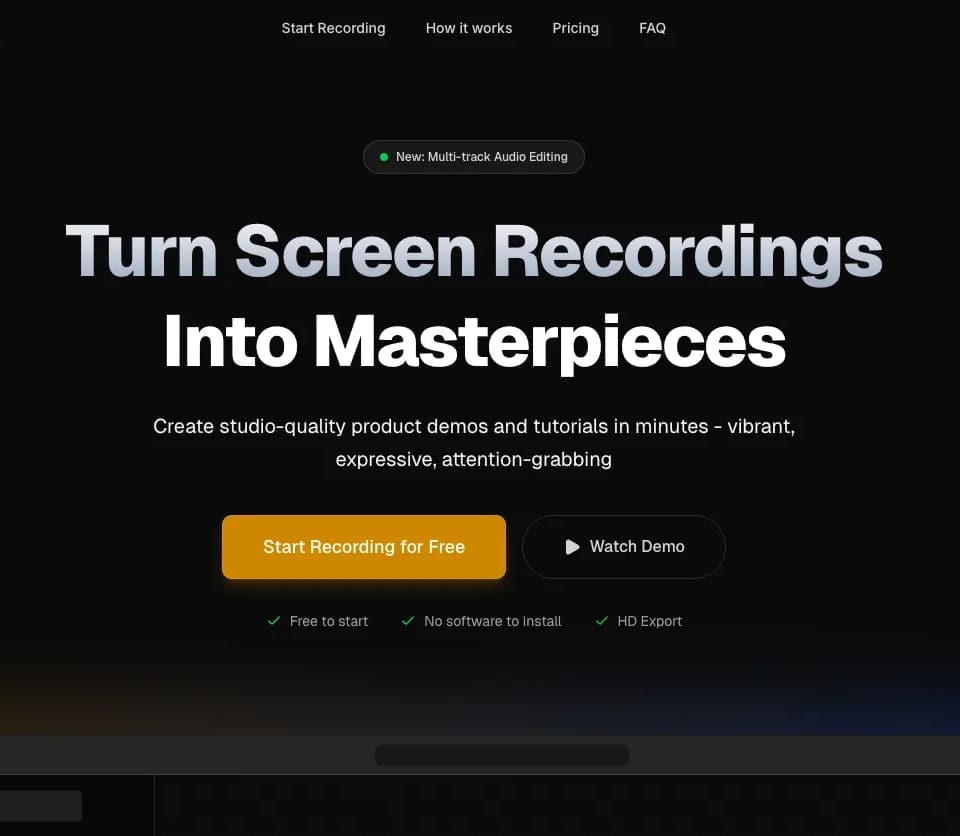
Screentell is a browser-based screen recorder and editor for product demonstrations, tutorials, and other screen-led videos. You can capture your screen and camera, then edit the footage with focus zooms, 3D motion, and annotations. The official site describes local browser processing and a free plan for recording and editing.
Capturing and arranging footage
Screentell can record the screen, camera, system sound, and microphone audio together. It also imports videos recorded elsewhere. The webcam feed remains a separate layer that you can move, resize, or hide after recording, so its position need not stay fixed throughout a demonstration.
The clip controls let you split a recording, remove unwanted sections, and change playback speed for individual segments. Cropping can remove distracting browser tabs or taskbars from the visible frame. Backgrounds, padding, and shadows provide layout options around the recording, while the preview player lets you inspect the edit before export.
Directing attention to a step
Focus Zoom provides 2D zooms and pans. The 3D controls add perspective and rotation to a screen capture, with keyframe animation for motion. You can add arrows, speech bubbles, shapes, or uploaded images as overlays, then adjust their appearance.
Those controls are relevant when a walkthrough needs to draw attention to a small interface element or explain a sequence of clicks. A short, focused recording gives you a manageable place to try the motion and annotation tools. Preview the transitions and text at the final viewing size before sharing the video.
Export limits and local history
Screentell exports MP4, WebM, and GIF with options for resolution, quality, and codecs. The Free plan includes unlimited recordings, HD export, basic editing, and watermarked videos, with a three-minute limit per exported video. Pro removes the watermark and the export-length limit.
The publisher states that recording data stays on your device. Its documentation says recordings are saved in browser local storage and automatically deleted after thirty days to save space. Export files you need to retain instead of relying on that local history as an archive. The documentation lists Chrome, Edge, Brave, and Arc on desktop, and recommends a Chromium-based browser.