
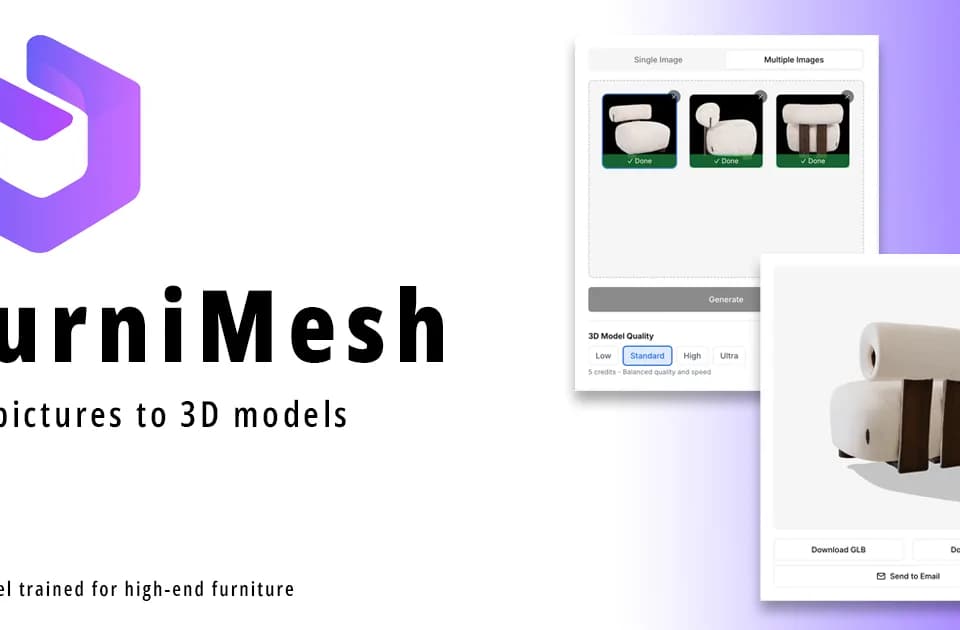
FurniMesh
FurniMesh generates textured 3D furniture models from photos. Its workflow starts with a picture of a chair, table, sofa, lamp or another furniture item, then builds a mesh for use in a design or product-visualization workflow. The platform also offers a model library, format conversion and AI rendering from viewport screenshots.
Photo input and model formats
FurniMesh accepts JPEG, JPG, PNG and WebP furniture photos. The publisher recommends plain backgrounds and even lighting for the best input. Its described processing pipeline removes the background, infers depth and builds a textured mesh.
Native generation formats are GLB, OBJ, SKP and BLEND. SKP is intended for SketchUp workflows and BLEND for Blender. A built-in converter handles additional formats such as FBX, STL, GLTF, IFC, USDZ, DAE, 3DS and PLY. The converter is free, with no signup needed for small files.
These options suit interior designers placing furniture in scenes, retailers adding product models and 3D artists starting from a reference image. The homepage also offers an embeddable viewer for presenting a model in a browser or through AR. Check the result in your target application before using it in a finished project.
Library and viewport rendering
The public model library provides another starting point when an existing furniture model fits the scene. FurniMesh says both generated models and public-library models carry a commercial-use license without attribution.
Its AI Render feature takes a screenshot from a 3D viewport and generates a photorealistic image. The publisher lists interiors, building exteriors and products as uses, and describes mask editing and consistent styling across multiple angles. This is an image-rendering workflow alongside the photo-to-mesh generator, so choose the feature that matches whether you need a model file or a presentation image.
Free generation and paid downloads
The free tier supplies fifty one-time credits, described as enough for around ten furniture model generations. Generating and previewing your own models is free; downloading model files requires a subscription. The homepage lists paid access starting at $19.99 per month on the Individual annual plan, with 250 monthly credits.
Paid features include private models, full library access, AR viewing, embeddable widgets and Blender format support. Company plans add team collaboration and company libraries. The annual-plan starting figure is not a month-to-month quote, so confirm billing and the needed export format before subscribing.