
NodeTool
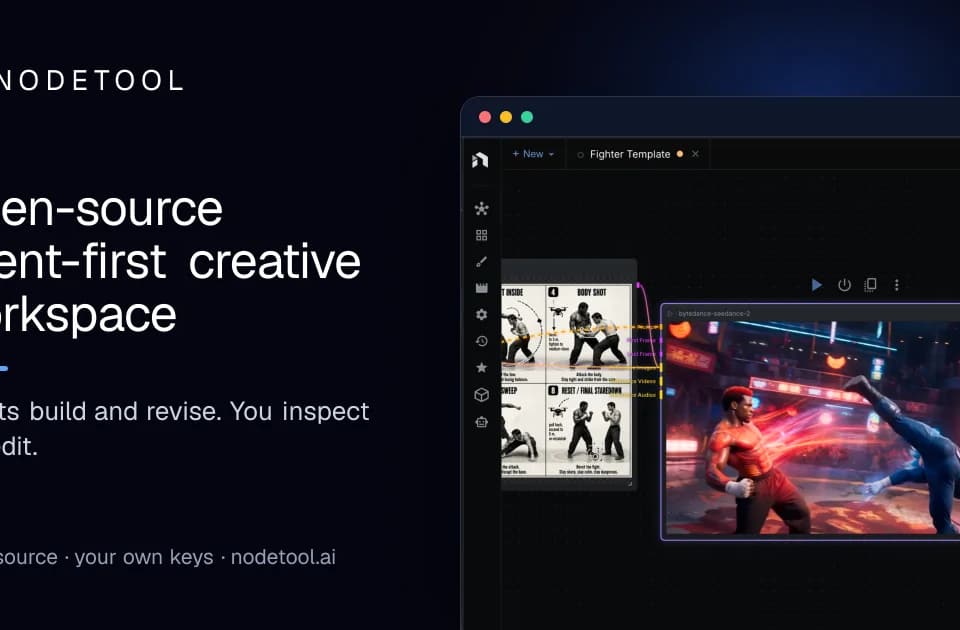
NodeTool is an open-source creative workspace for images, video, audio, and text. You can ask an agent to build a project, then edit the result yourself. The official workspace overview describes a project that keeps its assets and editing surfaces together.
Directing an editable project
The agent can draft a script, board shots, render takes, and arrange them on a timeline. You can change part of that project yourself or ask the agent to revise a particular shot. NodeTool includes storyboard, script and voice, timeline, sketch, and 3D editors.
For a video brief, that structure supports a staged approach: settle the script and still frames before committing to animated shots. The publisher describes that approach in its storyboard workflow. Review each stage for the creative decisions you care about, rather than judging the whole project only at export.
Reusing the process
NodeTool lets you connect models, editors, and code in a reusable node graph. You can rerun the graph with new inputs, give it a form-based app interface, or run it through the CLI. The publisher also lists an SDK and MCP server for developer integration.
That makes a repeated product-image task a different kind of project from a one-off render. Save the process alongside the output, then adjust inputs for the next product. Choose a workflow whose intermediate results you can inspect.
Choosing Studio or Cloud
Studio runs on macOS, Windows, and Linux and stores projects on your machine. It can call hosted providers or use supported local model runtimes. Hosted models send requests to their provider; local inference depends on your hardware and runtime.
Cloud runs in a browser and remains an alpha preview for evaluation and lightweight access. It requires internet access and does not provide local models. The publisher recommends Studio for production work and advises checking import and export coverage during the Cloud alpha.
Software cost and model charges
The pricing page lists Studio as free and open source under AGPL-3.0. Current Cloud alpha access is free, with future pricing unannounced. Provider charges are separate: connect your own provider accounts and pay those providers directly. Local models avoid a provider charge per call but still use your hardware and electricity. Budget for the selected model and reruns before building a production workflow.