
BingWow
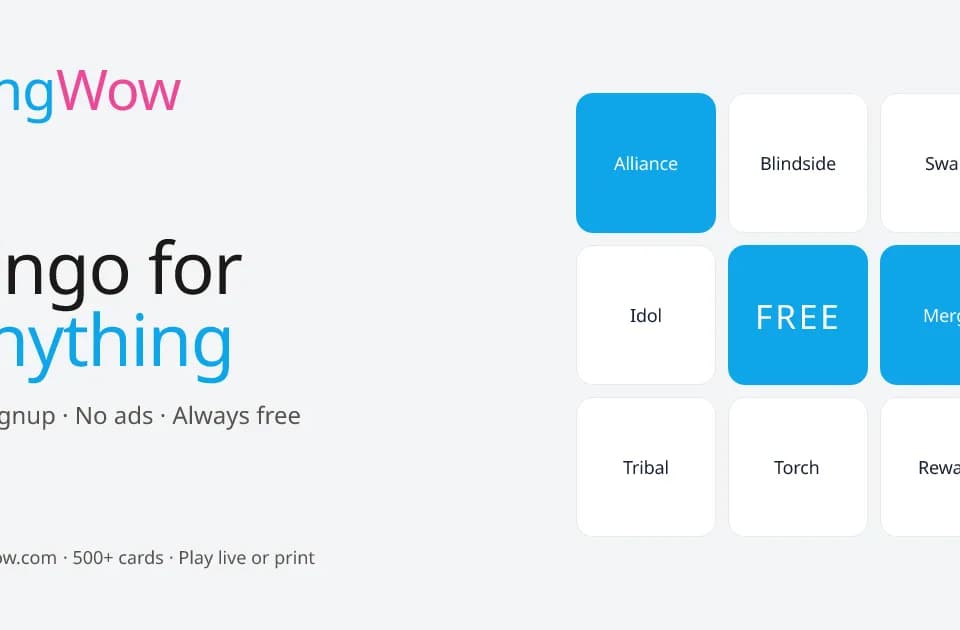
BingWow turns a topic into a bingo card for a classroom, team activity or event. You can create clues with AI, use a ready-made public card, or make a custom card from scratch. The BingWow homepage offers both online play and printable boards, so the same idea can support a remote session or an in-person game.
Making a themed game
To generate a card, enter a topic describing your class, team or event. The site groups existing cards into categories including education, celebrations, work and sports. Browsing those cards can provide a starting point when you already know the occasion but have not written the clues.
The founder's about page describes the game setup: choose or create a card, share the room code, and give players the same clues in different board layouts. The stated winning rule is completing a row. Review a generated card before sharing it so the clues match the activity you intend to run.
Online rooms and paper boards
The homepage currently advertises up to 100 players per room, each with a uniquely shuffled board. Claims, chat and reactions synchronize live. For larger groups, the homepage suggests multiple parallel rooms or printed boards. The about page still contains an older twenty-player description, so verify the room limit in the live game before organizing a large session.
PDF export supports up to 500 uniquely shuffled boards, without watermarks, plus optional background images and a printable call sheet. A separate number-bingo mode uses a live caller: the host calls numbers, players join on phones, and the cards mark themselves. This provides an alternative to topic clues when you want a conventional number game.
Access and saving cards
Browsing, playing, creating and printing work without an account. Signing in adds saved cards, synchronization across devices, and permanent storage of customized cards. Those account features matter if you want to return to a particular classroom game or reuse an event card later.
BingWow describes the service as free, with no paid tiers or ads. It works in a browser on phones, tablets, laptops and desktops. The published room and PDF limits still determine how you organize a particular game, even though the service does not charge a subscription.