
Gazouya
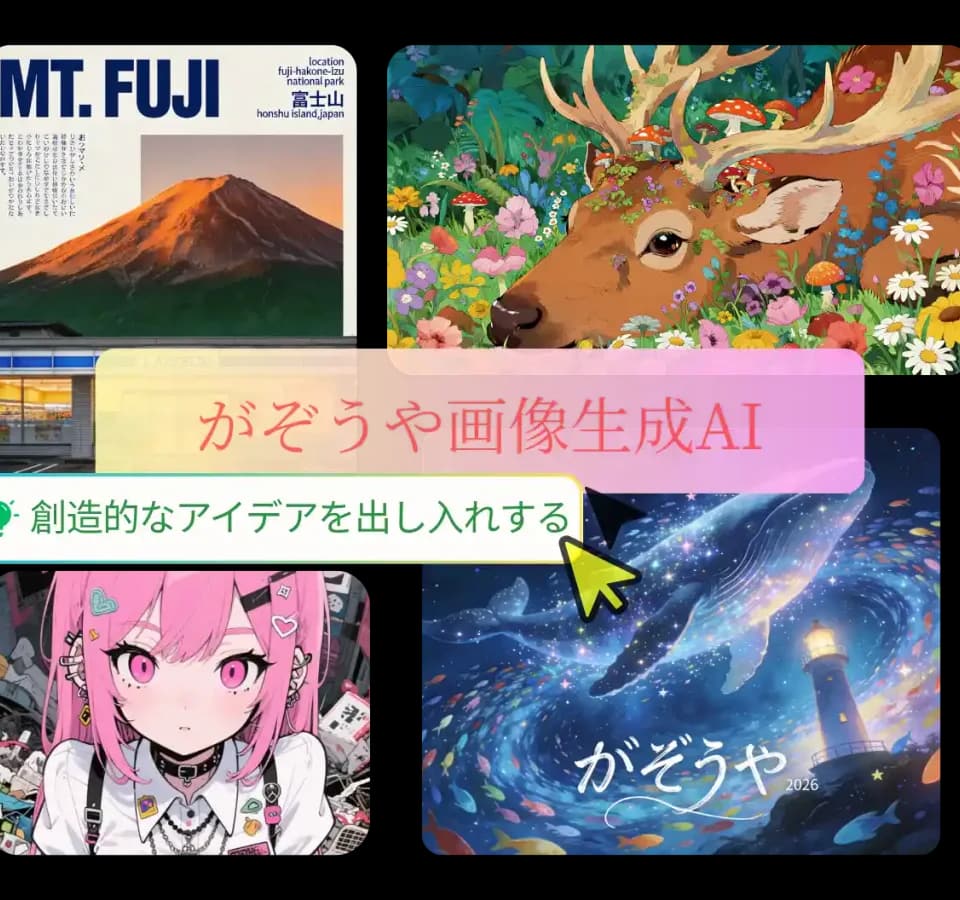
Gazouya gives Japanese-speaking creators a direct text-to-image workflow in the browser. You describe the image, adjust its style and proportions, and save the result. The publisher says registration and login are not required, so trying a visual idea does not begin with creating an account.
Shape an image brief
Gazouya supports Japanese and English prompts. The captured generator displays a 1,500-character prompt field, an optional reference-image input with room for six images, a style selector, and an aspect-ratio control. Reference images can guide the subject, composition, colors, or style, according to the publisher.
Those controls matter when a written brief leaves too much open. For a banner concept, describe the subject and intended layout, choose a horizontal ratio, and add a reference you have permission to use if its composition helps communicate the idea. For a phone wallpaper or vertical social graphic, choose proportions that suit that destination. This is a suggested way to use the documented inputs, not a claim that every generation will reproduce a reference precisely.
The site also describes photographic and illustrated styles. Its examples and testimonials are promotional material, not independent measurements of accuracy or campaign performance.
Free access has a daily limit
The FAQ describes a daily free allowance that resets the next day after it is exhausted. The captured interface does not disclose a usable numerical allowance: its remaining-credit display shows placeholders. Check the live credit counter before planning a batch of images; free access should not be read as unlimited generation.
Gazouya says generated images can be saved to your device. Its history panel says history images are automatically deleted after 24 hours. Save work you want to keep rather than relying on that panel as permanent storage. The history message alone does not establish how every server-side copy or prompt is retained.
Before publishing an image
The publisher permits commercial use subject to its terms and directs copyright questions to those terms. Review the applicable conditions and the rights in any uploaded references before using a result in client work or advertising.
Gazouya's privacy assurances are publisher statements, not an independently verified security assessment. Its uncomplicated browser interface makes it worth considering for visual drafts, but it does not remove the need to review the image, usage rights, and data handling before publication.