
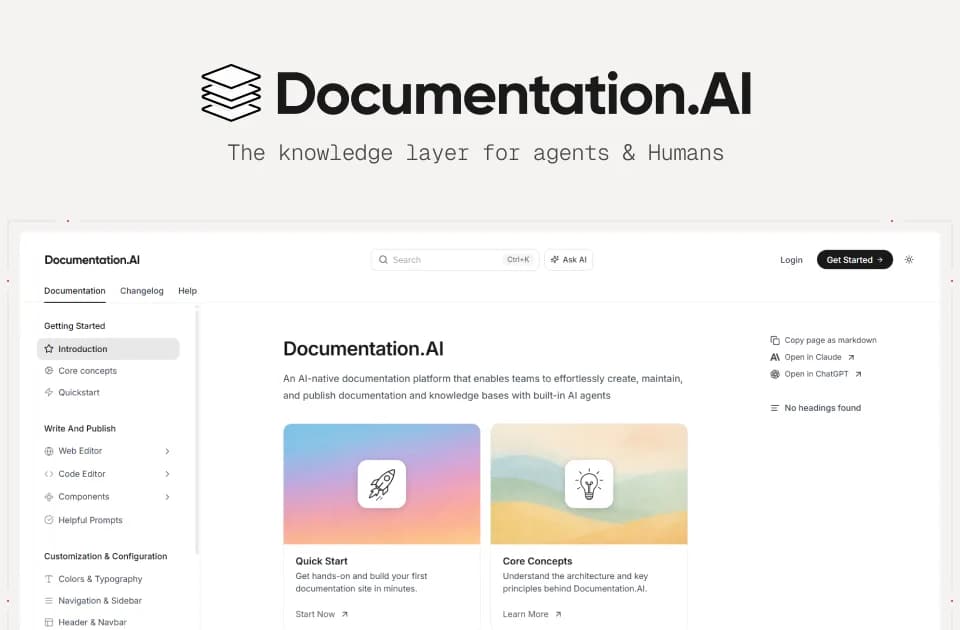
Documentation.AI
Documentation.AI combines documentation publishing with an AI maintenance agent. Its official overview describes product guides, API references and help centers that can draw on code changes, support tickets and user feedback. The agent drafts updates for a team to review rather than publishing them without approval.
Drafting maintenance work
A workflow can watch repository merges or run on a schedule. The agent reads the selected material and returns a summary, report and changed files. Team members accept or reject those changes before they reach live documentation.
This suits a maintenance task with identifiable source material, such as explaining a changed API behavior. Check the proposed wording against the code or support evidence. A cited answer in the reader-facing assistant should also be checked at the linked passage; a citation does not prove that the interpretation is correct.
Browser editing and collaboration
The web editor guide covers visual block editing and direct MDX editing. Slash commands insert components, and the media library supplies images, videos or files for pages. The changes view separates agent suggestions, saved branch changes and unsaved edits.
The collaboration guide describes branch-specific editing sessions, cursor tracking, inline comments and mentions. Save, Save and Merge, and Save and Create PR have different consequences. Confirm the active branch and review path before selecting a publishing action.
The web-editor guide warns that unpublished changes can remain only in the current browser session and be lost after changing browsers or clearing cache. Do not mistake an uncommitted browser draft for a durable published revision.
Git-based documentation
The code-editor workflow uses MDX files and a documentation.json configuration in a connected repository. Pull requests receive previews, with deployment after merging to the configured branch. That gives developer teams a familiar route for content and navigation review.
Uploaded media lives in the documentation media library rather than the repository. Replacing a library file can update its uses without a content commit, so include media changes in the team's review process as well.
The captured sources do not establish a complete pricing or usage schedule. Evaluate the editor and agent on a bounded documentation change, inspect the preview's links and examples, and publish only after the content accurately describes the product. The overview's speed and discoverability claims do not establish a search-ranking outcome.