
Kineo
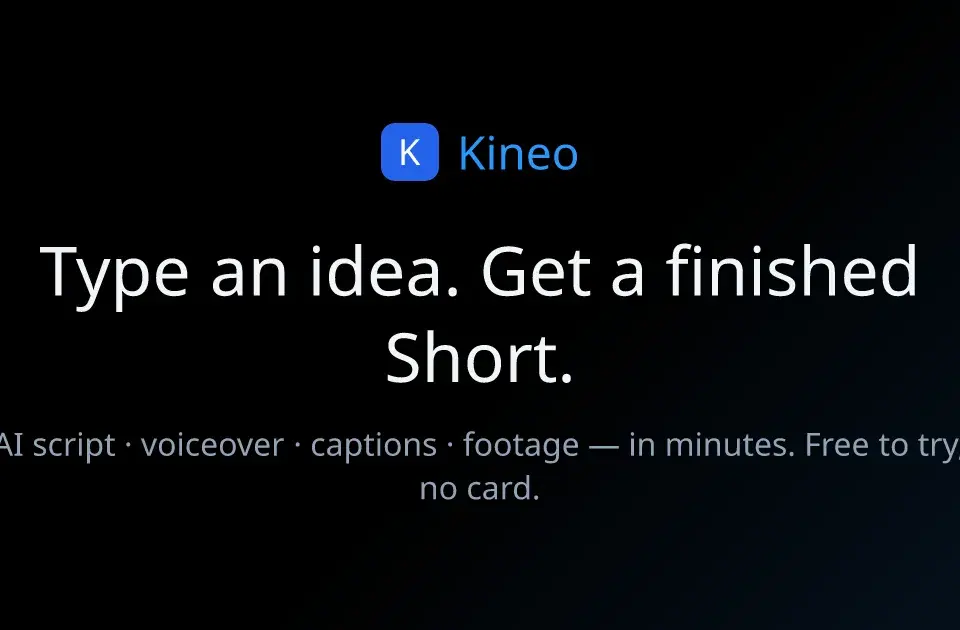
Kineo turns a topic or supplied script into a vertical video. The publisher describes script writing, voiceover, matched footage, and burned-in captions, producing a finished 9:16 video. It also provides separate image and short-clip creation tools.
Choose a finished video or a short clip
The finished-video workflow assembles narration and visuals for a short-form post. If you already have approved copy, the site says its "Use my script as is" option narrates a pasted script word for word. That option is worth checking when names, claims, or compliance wording must remain unchanged.
Kineo also describes generated clips of roughly five to fifteen seconds. Those clips are not interchangeable with an assembled narrated video. Choose the output you need before comparing generation allowances, and review the final script, captions, and footage for accuracy before posting. Franklin has not measured rendering speed or output quality.
Check credits and current model availability
The homepage offers ten trial credits in supported countries, without a credit card, with watermarked output. Its displayed monthly plans include Starter at $12.90 for 60 credits, Creator at $29.90 for 150, and Studio at $54.90 for 300. Check the current billing selection and availability before purchasing.
The page gives approximate output counts that depend on engine and duration. Treat those as alternative ways to spend the same credits, not separate allowances you can add together. A finished video's cost can differ from an individual generated scene.
The publisher also states that Omni Flash and Seedance 2.5 are temporarily paused for maintenance. Do not assume a model shown in a gallery is currently usable; inspect the live generation controls.
Keep stock-footage rights separate
Kineo says stock clips in a render are licensed for use in the finished video, not for re-upload as standalone stock footage. Keep that restriction in mind when extracting scenes or building an asset library from completed projects.
Review the current terms for your intended publication and any material you supply. A tool's commercial-use statement does not guarantee that a social platform will monetize a video or that uploaded third-party assets are cleared. Test the workflow with a small project before planning a repeat publishing schedule.