
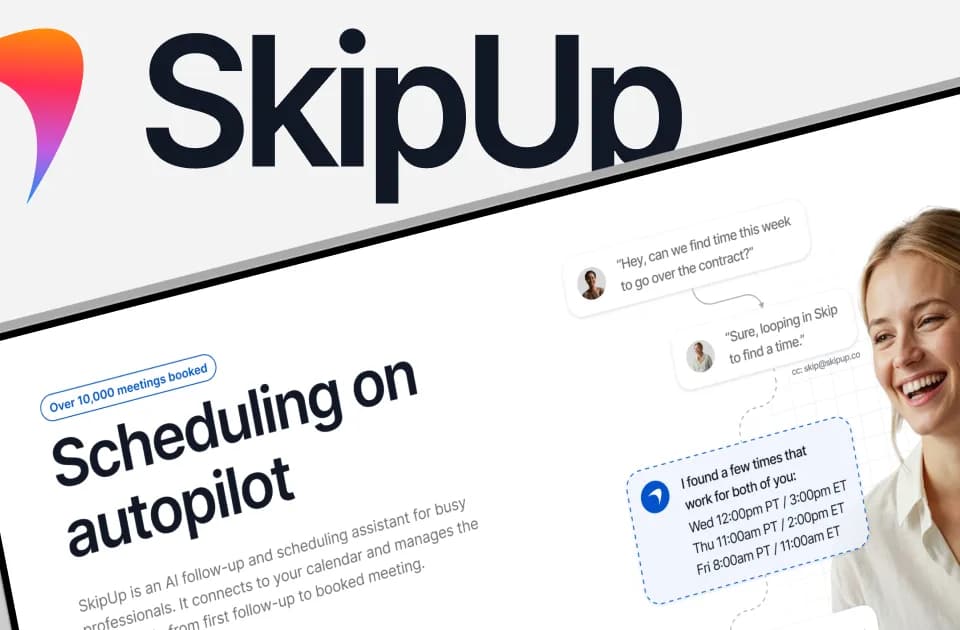
SkipUp
SkipUp is an email follow-up and scheduling assistant for professionals who coordinate meetings. The publisher's overview describes connecting calendars, gathering context from email history and following a conversation through to a booked meeting. Its intended users include sales, customer-success and recruiting teams.
Give the assistant a scheduling thread
The described workflow begins by copying SkipUp into an email conversation. It checks availability, proposes times and follows up until the meeting is booked. Multiple work, personal and shared calendars can be checked together.
Supply the information needed for the appointment, including attendees and the intended timing. Confirm what calendar access the connected account grants and how a confirmed event appears to participants. The homepage describes context awareness and remembered preferences, but does not expose the detailed controls or all edge-case behavior in this capture.
For a recruiting panel or customer review, inspect the suggested time and attendees before depending on the assistant for a recurring process. Cancellation, rescheduling and unusual time-zone arrangements are worth testing with your own setup rather than assuming that the advertised edge-case handling covers them all.
Distinguish meetings from seats
The site offers the first ten meetings without a credit card. Personal lists ten free meetings per person and three concurrently organized meetings. That allowance should not be read as ten new free meetings every month.
Pro uses a shared workspace allowance and unlimited active scheduling, with several monthly meeting-volume choices shown. The publisher describes paid usage as workspace billing rather than per-seat billing. Check the selected volume and final subscription terms before estimating the cost for a team; the capture does not explain every billing edge case.
The Custom offer adds agent customization, custom contracts and dedicated support. Those are separate from the basic signup allowance.
Review follow-ups and connected information
SkipUp's value is maintaining a scheduling conversation when someone would otherwise need to chase a reply. It does not establish that the recipient wants a meeting or that automated follow-ups will improve sales results.
Check the follow-up sequence and preferences available in the account before copying the assistant into client conversations. The visible FAQ asks about SOC2 compliance and editing preferences without providing answers, so request the relevant documentation before connecting sensitive email history. Keep a person responsible for important appointments and for stopping an inappropriate follow-up.