
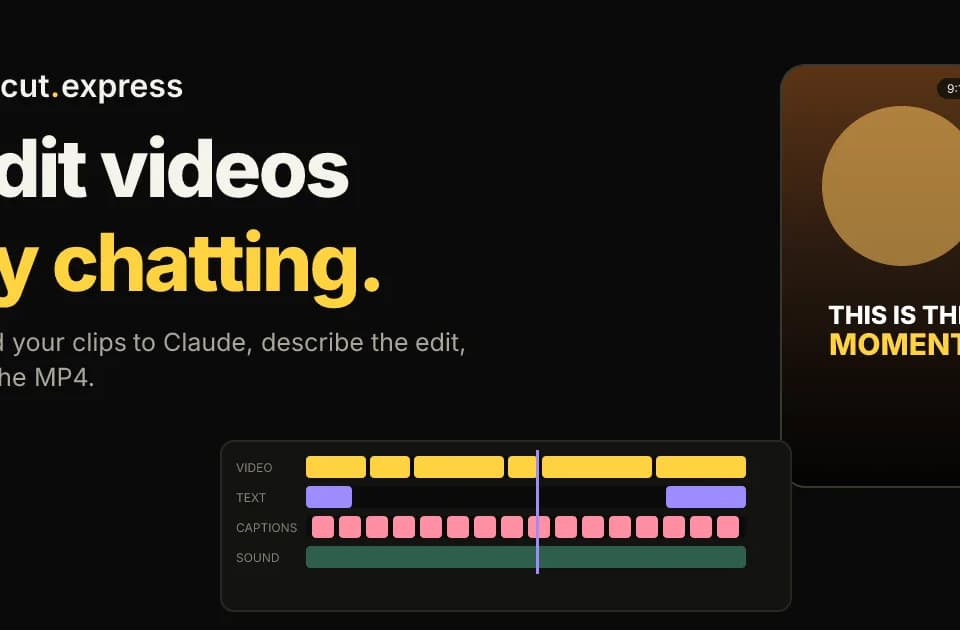
Cut Express: edit footage through an AI chat and render a versioned MP4
Cut Express connects a supported AI assistant to video-editing and rendering tools. The assistant interprets the requested edit, while Cut Express renders the resulting MP4 on its servers. This is a product overview based on the vendor’s published workflow, rather than a hands-on review.
How an edit moves through the system
The workflow starts with uploaded footage, photos or music. The assistant reads contact sheets and a timestamped transcript, chooses moments and writes a JSON timeline. Users can request trims, captions, music changes, colour adjustments or a different aspect ratio.
Each rendered version retains its timeline. That makes an instruction such as shortening an introduction a revision to an existing edit, rather than necessarily starting again. The vendor lists support for Claude, ChatGPT, Cursor, Claude Code and other compatible remote MCP clients; the connection method depends on the client.
What it includes and how usage is counted
The published feature set includes word-timed captions, colour looks, voice-over, sound effects and motion graphics. Pro lists 1080p output; Ultra adds 2K output and larger allowances.
Render minutes include re-renders, while failed renders do not count. Audio generation uses a separate credit allowance. That distinction matters for an iterative workflow: exporting several versions of the same short video can use more render time than the final published duration suggests.
The site advertises a 14-day trial followed by monthly plans. Check the live allowance and cancellation terms before planning a recurring production workload.
A useful first project
Start with a short clip and a concrete brief: intended audience, length, aspect ratio and the sentence or moment that must survive the edit. Inspect the transcript and proposed sequence, then check captions, framing and audio in the rendered file.
Franklin’s view is that the fit depends on whether giving revision notes is easier than manipulating a timeline for your particular footage. The published examples demonstrate intended uses, but do not establish how well it handles your material.
See Cut Express for client setup and current plan limits.