
Submitted by:
Clyper: turn long videos into editable captioned clips
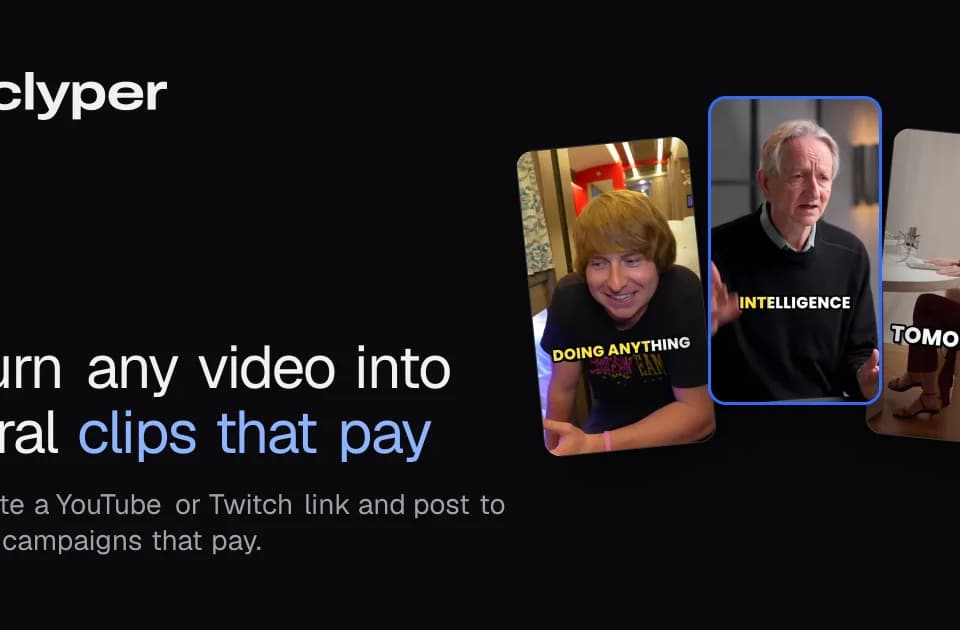
Clyper helps creators repurpose long spoken videos into short vertical clips. Its documented workflow accepts a supported link or an uploaded file, selects moments, reframes them to 9:16 and adds captions for review.
What it produces
The official site lists YouTube, Twitch, Google Drive and Dropbox links alongside direct uploads. It describes moment ranking by a hook score, animated word-level captions and speaker-following vertical framing. Podcasts, interviews, streams and vlogs are the main examples.
The clips can be downloaded for posting to social platforms. This is useful for reducing the initial selection and formatting work, but the generated ranking is still a suggestion. A strong opening does not establish that a clip preserves the meaning of the full discussion or fits a particular audience.
Review and edit the result
The editor lets users trim a clip, adjust its boundaries by words, correct caption text and switch caption styles before rendering. The site says edits do not cost credits and documents an option to extend either end of a clip by up to 15 seconds.
For a practical first test, use a video you have permission to republish. Check names and technical language in the captions, watch the framing when speakers move, and compare each selected moment with the surrounding conversation. Those checks matter even when a clip looks ready to export.
Usage and commercial limits
Clyper counts one credit as one minute of source video. Plans have different processing and feature limits, so compare your source-video volume with the current allowance rather than counting only the number of finished clips.
The website includes earnings examples and a campaign calculator, but it also identifies those figures as estimates. Views, eligibility and campaign rules vary. The tool can prepare media; it does not guarantee an audience, a payment or permission to reuse another creator's work.