
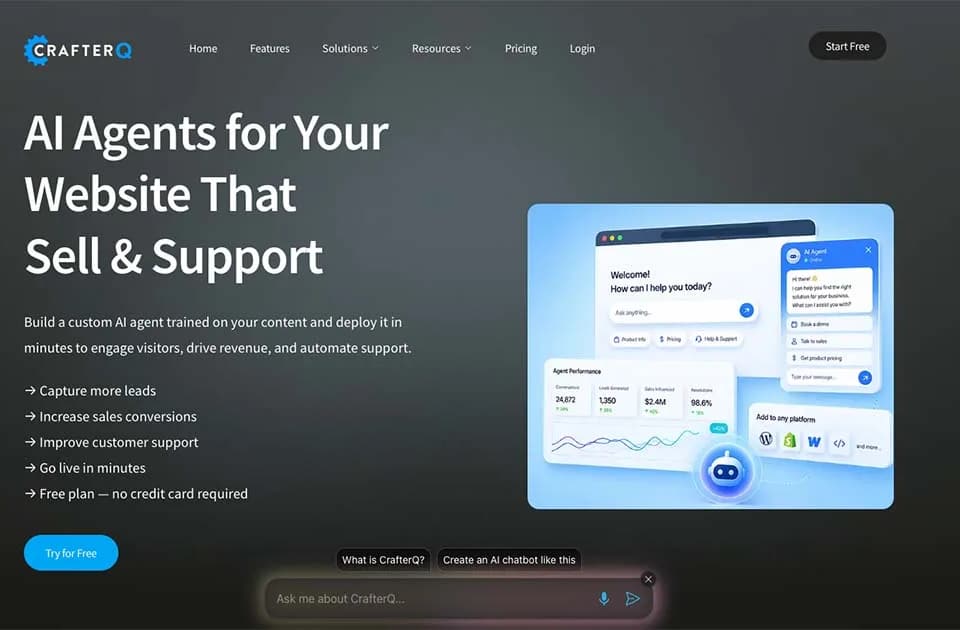
CrafterQ builds website assistants from your existing business content
CrafterQ helps businesses add a conversational assistant to a website using information they already maintain. Its official website describes agents that answer questions, direct visitors to relevant resources and support actions such as requesting a demo or quote.
Build answers from your own material
CrafterQ accepts websites, documentation, FAQs and uploaded files. The publisher also lists knowledge bases, PDFs, Word documents, text files and custom question-and-answer pairs as supported sources.
This makes the product relevant to teams with useful information spread across several pages or documents. A visitor can ask a question in their own words instead of guessing which page contains the answer. The quality of that experience still depends on whether the supplied content is accurate, current and clear about exceptions.
Add the assistant to a website
Deployment uses a website script. CrafterQ describes a sequence of adding a site or uploading content, building the agent's knowledge, customizing it and embedding it. The publisher presents this as a no-code setup.
A sensible pilot would cover one narrow area, such as product eligibility or onboarding questions. Give the assistant several real questions, including one your documents cannot answer, and review the responses before expanding its scope. This is especially useful for discovering contradictory policies in the source content.
Evaluate guidance and data handling
The site offers a free plan without a credit card. It also describes agents that can guide visitors toward booking a meeting, requesting a quote or purchasing, but the captured homepage does not establish that every action is available in every plan.
CrafterQ says customer content is not used to train public AI models. Check its current security and privacy documentation for the controls relevant to your deployment. Sales conversion and support improvements are vendor goals, not outcomes established by this directory entry.