
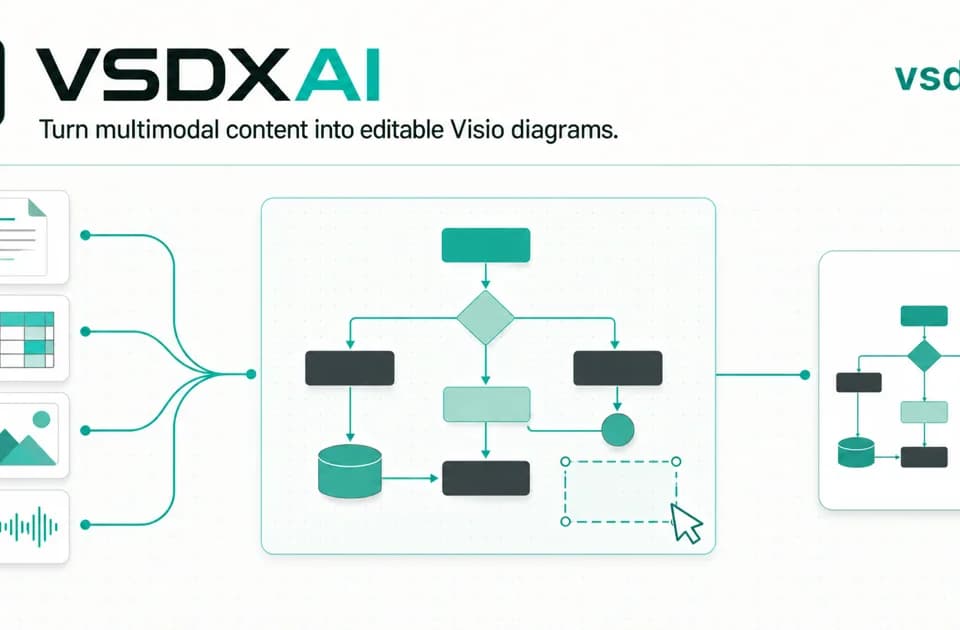
VSDX.ai turns documents, images and recordings into editable diagrams
VSDX.ai is a diagram-building workspace for people whose starting material is spread across documents, spreadsheets, pictures or recordings. The vendor describes a workflow that interprets those sources, builds a structured diagram and exports an editable Visio file.
From source material to structure
Supported inputs include Excel, CSV, PDF, Word, text, JSON, YAML, images and audio. The site describes extracting actors, systems, steps, decisions and relationships before arranging them into a diagram.
For an operations team, a useful starting example would be a process document and a spreadsheet of owners. The review task is to check that the resulting handoffs and exceptions reflect the actual process, rather than accepting a neat layout as evidence of correctness.
Editing and export
VSDX.ai provides an embedded draw.io canvas and native VSDX export. The vendor says the result contains editable shapes and connectors, including diagrams reconstructed from an image, instead of simply placing a picture inside a file.
The documented workflow also includes saved versions, retrying failed generation and importing an existing VSDX into an editable project. These features are relevant when the diagram will need revision after its first presentation.
Who it fits and what to check
The product lists flowcharts, swimlanes, architecture, network, organization, ER, UML and BPMN diagrams. It is therefore a candidate for analysts and technical teams turning existing evidence into a deliverable that others can maintain.
Before uploading sensitive material, review the current data-handling terms and the access requirements of the project. The vendor describes project sources as private; this article does not independently audit that claim.
Start with a small representative diagram, edit a few nodes and inspect the exported file in the application your team actually uses. That tests the part of the workflow that matters most: whether the result remains useful beyond the generated preview.