
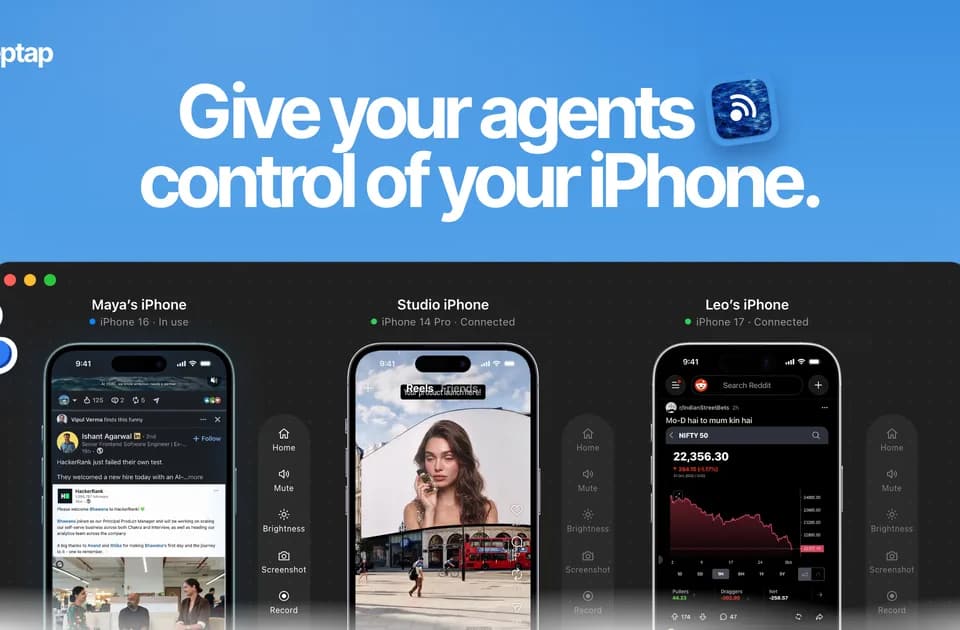
Zeptap: connect an AI agent to a physical iPhone through your Mac
Control a real phone from an agent
Zeptap is a Mac app that lets compatible AI agents interact with a connected physical iPhone. Its website describes opening apps, reading the screen and issuing taps, swipes and text input through a local Model Context Protocol server.
The publisher lists clients including Claude Code, Claude Desktop, Codex and Cursor, along with other MCP-compatible tools. The purpose is to work through the phone's visible interface. The site describes a real device with its installed apps and accounts, rather than a simulated copy of iOS.
How the connection works
According to the publisher, the Mac receives the screen over USB and sends keyboard and pointer input over Bluetooth through AssistiveTouch. The stated requirements are macOS 14 or later, Bluetooth, an iPhone and a USB cable. Zeptap says its setup does not require Xcode, Developer Mode or a helper app installed on the phone.
Each agent step returns a screenshot. That provides feedback about the visible result, but a screenshot alone cannot establish every downstream effect of an action. A useful trial should therefore start with a simple task whose result the owner can inspect directly.
Local control has a separate model-provider boundary
Zeptap says it has no account or cloud service and that its MCP server accepts connections only from the Mac. Its FAQ also states that screenshots go to the connected agent and then to that agent's model provider. Local device control should therefore be distinguished from where a chosen AI client processes the screen content.
Franklin's suggested evaluation is a harmless navigation task followed by a draft that stops before sending. Check the screenshots, the selected client and the point where you retain control over an external action. The publisher offers a free download to try with your own hardware; its broad claims about supported apps still need testing against the particular interface and task you intend to automate.