
Klevo: turn an AI-guided app walkthrough into a reusable demo video
Describe the app flow you want to show
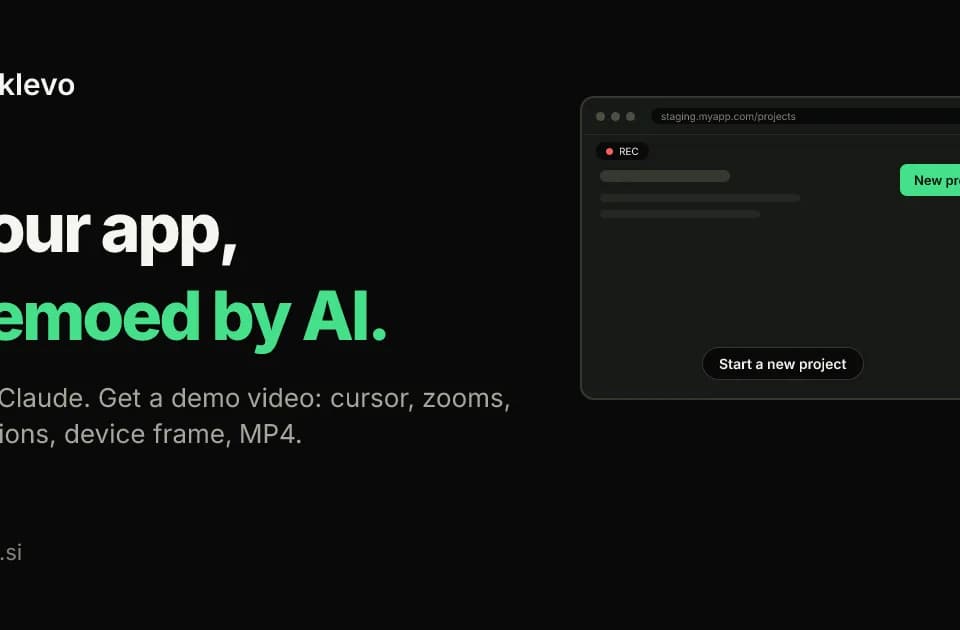
Klevo is a demo-video assistant that connects to an AI client over MCP. The publisher describes asking for a particular app walkthrough, letting the AI work through its steps and receiving an MP4 with cursor movement, zooms, captions and a device frame.
The AI's exploratory session is separate from the final recording. Klevo saves the steps and replays them in a clean browser for the rendered video, removing the pauses and retries from exploration. Screenshots and action results return to the client during that exploration so it can respond to a missed step.
A saved script can produce another cut
Each demo has a small JSON script containing the target URL, device, login-secret reference and steps with captions. The site describes rendering the same steps in another aspect ratio or device presentation without recording the entire flow again.
That script also provides a starting point when an interface changes. It does not guarantee that an old walkthrough will work forever: if a target is missing, Klevo says it stops at that step and reports the number, a screenshot and console errors. Failed renders do not count against the monthly allowance.
Availability and access limits
The free plan lists three videos per month at 720p with a watermark and up to 20 steps per video. Paid plans add higher resolution and larger workflows. Optional narration uses voice credits, a separate allowance from the count of rendered videos.
Klevo's browser runs on the publisher's servers and accepts public target URLs; localhost and private hosts are refused. The site recommends test accounts for authenticated demos and supports saved session references where an interactive login cannot be automated.
Franklin's suggested trial is one short flow on a reachable test environment. Check the captions and the rendered sequence against the real app, then keep the script with the product documentation. A repeatable demo is most useful when a failed step becomes a clear maintenance task rather than a misleading finished clip.