
Submitted by:
Html2MP4 turns HTML compositions into hosted video exports
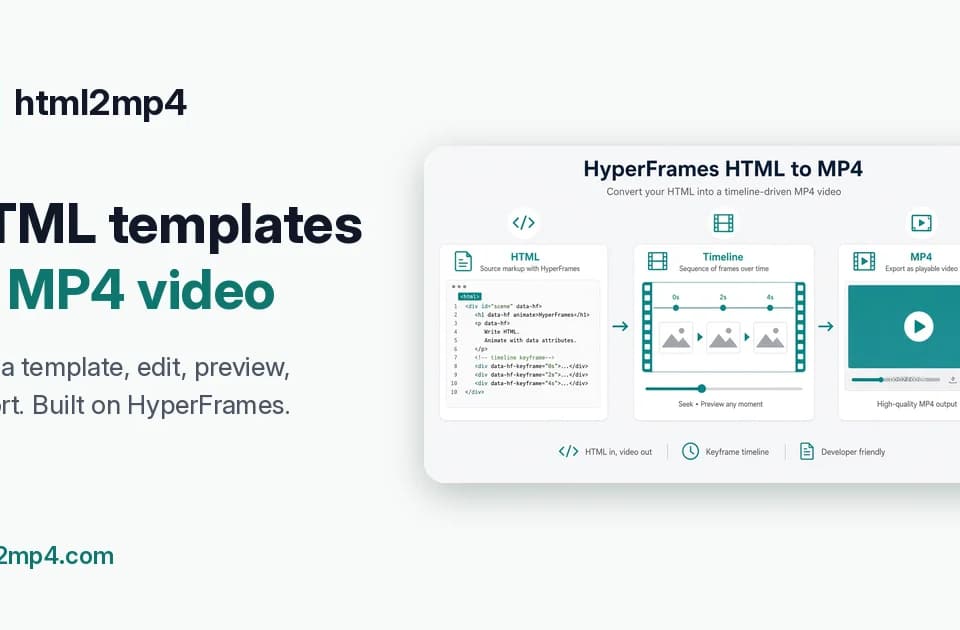
Html2MP4 converts HTML compositions into downloadable video through a hosted rendering workflow. The official site presents pasted HTML as the core path, with additional starting points for prompts, templates, website promos, brand kits and showcase reels.
From a page to an MP4
You paste HTML or choose a starting layout, optionally describe changes and enqueue a render. The service says HyperFrames seeks each frame and FFmpeg encodes the MP4 on its servers, removing the need to install those components locally for this hosted path.
The current page explicitly says there is no live preview before enqueue. That matters when planning revisions: a render should be treated as something to inspect, not as a guaranteed final export produced after an interactive preview.
Different starting material
Prompt-based creation accepts a plain-language brief. Templates supply a layout to fill in, while the brand-kit path uses a logo, colors and exact on-screen copy. The showcase option accepts work images and notes for a portfolio reel.
These are creation paths within the service, not a claim that every existing website or animation will reproduce perfectly. A useful initial test is a short composition with simple text, one asset and an aspect ratio you actually need.
Agent access through MCP
Html2MP4 also publishes a remote MCP endpoint so compatible agents can create videos through chat. That flow requires the documented authentication and client setup. Adding the integration does not establish that an agent has permission to publish the resulting video anywhere else.
What to check before regular use
Inspect text timing, font appearance, asset loading and the finished export before using it in a launch or advertisement. Review current credits and render limits for the chosen path. The practical appeal is a hosted route from web-style composition to video, with the quality decision still made on the actual MP4.