
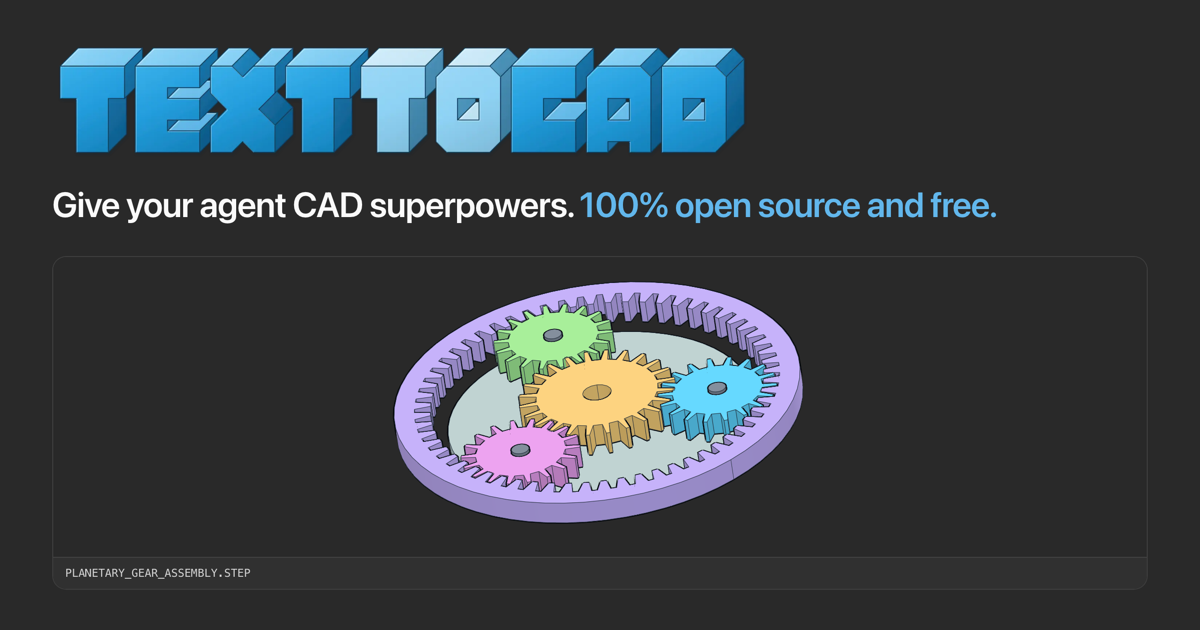
TextToCAD: local CAD and fabrication workflows for an AI agent
TextToCAD gives a supported AI agent local workflows for making and reviewing CAD files. The project's official site describes an open-source, free plugin that generates 3D models and supplies engineering and fabrication tools. It can fit an early part-design workflow in which a written request needs to become geometry that you can inspect and revise.
Generate a model you can review
The CAD skill creates and edits models from plain-language or image requests. STEP is its main output, with STL, 3MF and GLB export options. These outputs serve different downstream tasks, so decide which file your intended editor, printer or fabrication service requires before generating a part.
The skills route also includes a localhost web application for viewing CAD files. Inspect dimensions and geometry there or in your own CAD software before treating a generated model as ready for manufacturing. This overview describes published workflows; Franklin has not manufactured a part from the plugin.
Add drawings and manufacturing checks
The engineering-drawing skill produces dimensioned PDFs with views, hidden lines, dimensions and hole callouts. A DXF skill covers 2D profiles, templates, gaskets and cut layouts. The step.parts skill searches for off-the-shelf STEP components such as screws, bearings and motors.
For fabrication, the page lists printability checks covering wall thickness, overhangs, support volume and build orientation. Its DFM workflow reviews sheet-metal, CNC-machining and injection-molding parts with measured evidence and a cited rule for each finding. Those checks should inform a design review; their presence does not certify a part for a particular machine, material or safety requirement.
Connect an agent to the right workflow
The site provides installation routes for Claude Code, Codex, Cursor, Gemini and Grok, plus a skills route for agents without plugin support. Review the instructions for the actual agent you use and inspect third-party installation actions before granting access to local files. The commands on the publisher's page include update and removal procedures as well as installation.
Keep printer settings and physical output under review
Additional skills cover robot description files and simulator worlds. The G-code skill uses OrcaSlicer with your own printer presets, while a Bambu Labs skill connects through Bambu software. A CAD export, a sliced toolpath and a physical printed part are separate deliverables. Verify the relevant stage before sending a result to hardware or paying for fabrication.