
Chatmizer: AI replies and customer workflows
Combine fixed flows with AI replies
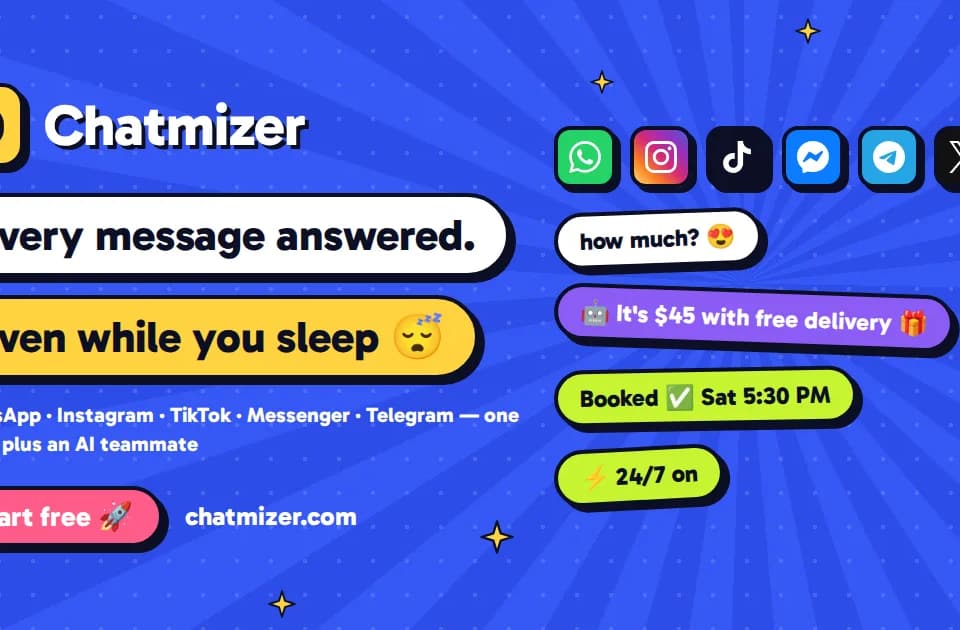
Chatmizer offers a shared inbox and customer conversation automation. Its official page describes fixed flows with buttons and menus, alongside an AI agent taught from a business website, files, prices and rules.
The two approaches can work together: a flow greets or sorts an enquiry, then an agent handles the next questions. For a small business, a useful first project is one repetitive enquiry with a clear handoff to a person. Keep that scope narrow enough to review actual replies before expanding it.
Check bookings and customer records
The publisher documents booking against available calendar slots, reminders and taking orders inside chats. It also lists connections to Pipedrive, Freshworks CRM, monday CRM and Bitrix24. Those are vendor-described capabilities, rather than results from Franklin testing an integration.
Use a test booking to check the full path through the systems you use. Confirm which customer fields arrive in the CRM and how the conversation hands over to the team. A reply that sounds correct should not be the only acceptance check when it creates a booking or order.
Chatmizer provides a playground for testing the agent before it goes live. The page says uncertain answers can be handed to a person. Include missing-price and ambiguous-service questions in that test so the handoff behavior is visible.
Match limits to the channel you need
The site describes several messaging and social channels, while plan tables impose their own channel, contact, agent and credit limits. Read the selected plan's allowance rather than interpreting the overall channel list as unlimited connections.
Before enabling automatic replies, review the business information the agent receives and decide which actions require confirmation. Begin with a small number of approved questions and inspect the live inbox after launch. The value comes from a reliable path through the business workflow, including exceptions that should reach your team.