
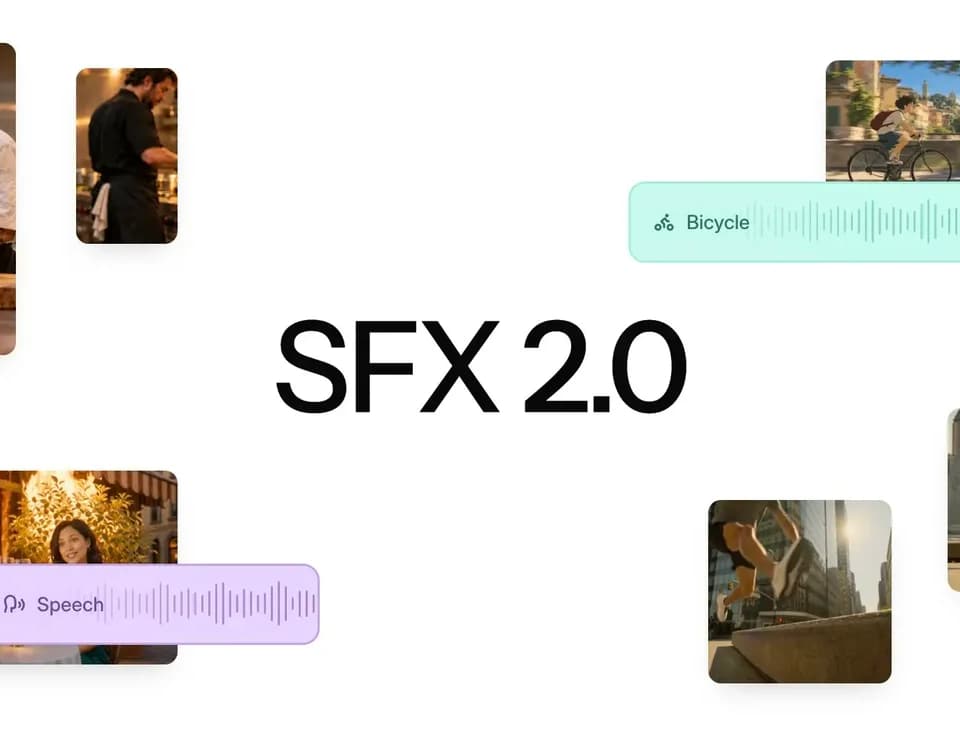
Mirelo SFX 2.0: replace a video’s soundtrack around its dialogue
Mirelo SFX 2.0 is a video-to-sound model for changing the audio around an existing edit. In its release explanation, Mirelo describes generating effects, foley and ambience that follow the footage, while retaining the spoken performance and replacing unwanted non-dialogue audio.
Finish the edit before the sound pass
The intended workflow starts with footage you already want to keep. Instead of regenerating a video to change its audio, you send the assembled sequence to the model. Mirelo says the sound can follow visible action and maintain continuity across cuts.
Studio and the API support videos up to ten minutes. Longer duration is offered by arrangement through the Enterprise tier. That makes the stated standard limit relevant to a complete short edit, rather than requiring a separate pass for every generated shot.
Listen carefully to the dialogue
The publisher describes dialogue preservation, but its FAQ specifies that the spoken performance is detected and regenerated together with new effects and ambience. Do not assume that means an untouched original dialogue waveform. Compare the result with the source, particularly for names, timing and a performance that must remain exact.
Mirelo reports blind listening comparisons against other sound models and native video-model audio. Those are vendor-run preference tests, not our measurements. They concern listener preference on the tested clips and should not be read as a guarantee for every scene or recording condition.
Pick the right model variant
The default video-to-sound variant produces a coherent output tied to the footage. The text-to-sound option is described for ambience or off-screen sounds that do not need automatic visual synchronisation. A stem variant for individual sound layers is marked as coming soon.
For an initial trial, choose an edit with dialogue, a cut between shots and a visible action that needs a distinct effect. Listen across the cut, check the speech against the original and decide whether you still need separate music or sound layers. The useful result is a soundtrack that serves the finished sequence, not simply a busier audio track.