
Submitted by:
Mosa: a visual workflow canvas for campaign content production
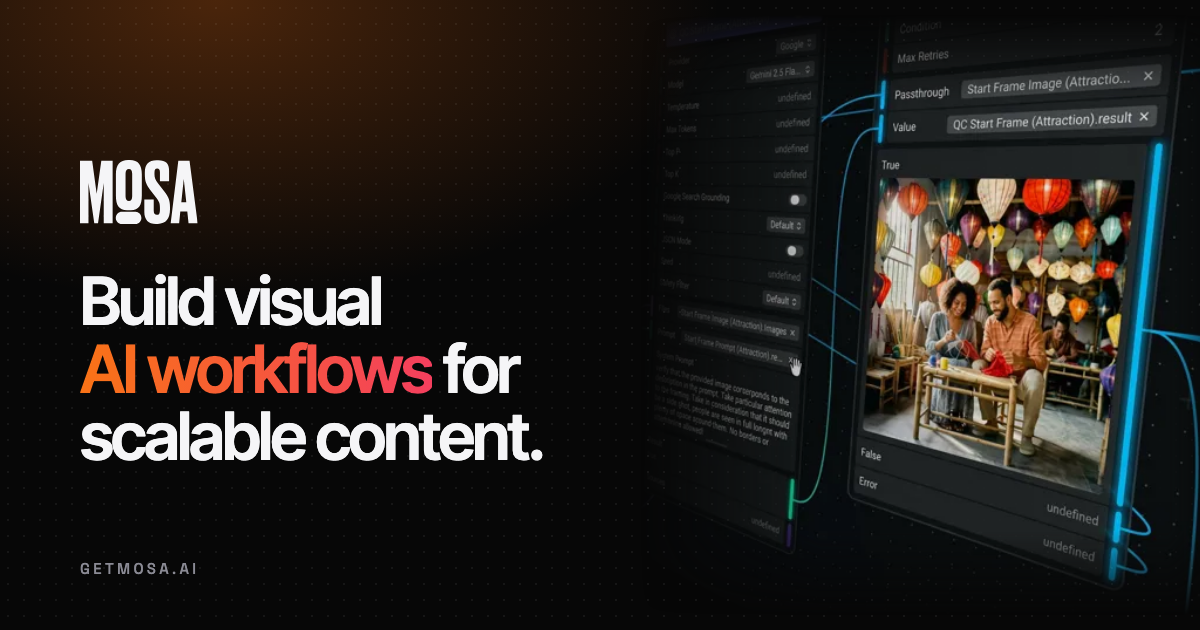
Mosa lets creative and marketing teams build connected production workflows on a visual canvas. The publisher's homepage identifies Ambassadors as its creator and lists text, image, video and audio operations in the same workspace. A campaign can start with source files or spreadsheet rows, generate assets and send finished work to a destination folder.
Make the production steps explicit
Users connect nodes and define loops, branches and conditions. A loop can repeat work for a list of markets or products; a conditional can send an output through another path after a quality check. A gate allows data to continue only when a condition is met, and a reusable workflow can sit inside another workflow.
The publisher also describes live collaboration and a Workflow Agent that builds on the canvas, adjusts nodes and explains failed runs. Review the actual nodes and conditions before trusting an agent-created process to publish client work. A visual rule still needs a meaningful test for the quality you want.
Combine generation with preparation and delivery
Mosa lists connected model providers for writing, image generation, video and voice. Google Sheets can supply campaign rows and receive results; Drive can supply files and store outputs. Figma inputs include exported frames and design styles.
Keeping media together also appears in CamArt's shared creative session. Mosa's documented workflow adds explicit branching and reusable nodes, so a team can inspect the production sequence as well as the generated assets. This is a comparison of published workflows, not measured output quality.
The canvas includes deterministic media tools as well: FFmpeg operations for trimming, joining and conversion; resizing and cropping; text rendering; and file inspection through FFprobe. Those steps can prepare a generated asset for delivery without making another model request for each adjustment.
Inspect asset history and costs
The site describes tracing who made an asset, when and what produced it, including earlier node outputs. It also advertises real-time workflow costs and itemized billing. Keep the relevant brief and approval alongside an output, and review rights to source media before distributing generated work. Franklin has not audited the billing or provenance controls.
Understand the starting credit
Mosa says it is generally available, with a free workspace and five euros of initial credit. Starting requires verifying a card or bank account, although the page says that verification does not charge it. This differs from a no-card signup. Check subsequent usage costs and the chosen model's terms before running a large campaign across many rows or markets.