
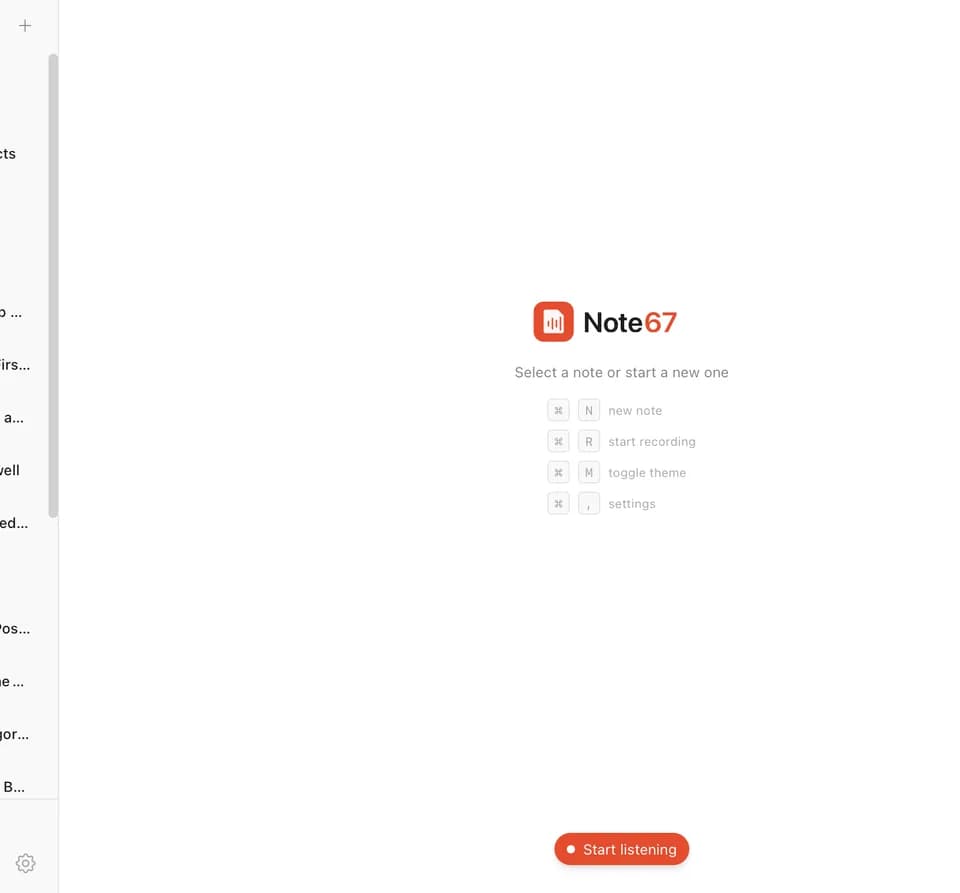
Note67 — Private Meeting Notes Assistant
Note67 is a meeting-notes app for capturing audio and reviewing transcripts and summaries on your own computer. The publisher describes Windows and macOS availability and a local workflow built around Whisper transcription and Ollama summaries.
Capture audio and read a live transcript
Whisper-powered speech-to-text runs on the device, according to the publisher. The app displays transcripts during capture and lets you pause and resume. It separates your voice from meeting participants using microphone and system audio.
The site also describes voice-activity detection and deduplication to filter speaker echo when you use speakers instead of headphones. That capability is relevant to a meeting recorded through both audio inputs, although the page does not provide an independent accuracy measurement. Review the transcript before treating a speaker label or a sentence as an exact record.
Configure the local summarization workflow
Note67 generates meeting summaries through Ollama and local language models. The settings screen covers Whisper models, Ollama, and system preferences. Users therefore need to choose and configure their local AI setup, rather than assume that downloading the app completes model setup.
The publisher lists Windows 10 or newer and macOS 13 or newer. It identifies Rust and Tauri as the app's backend technology and SQLite among its components. The page does not specify hardware requirements, model download sizes, or how performance changes across machines, so check those details when selecting a transcription and summarization model.
Understand the publisher's privacy commitment
Note67 says all processing happens on your device and audio does not leave the machine. It also advertises no accounts, subscriptions, or data collection, and describes the product as open source. These are the publisher's stated operating commitments; this overview does not represent a code audit.
The local approach can fit someone who wants meeting notes without sending audio to a cloud transcription service. Keep the original recording and check a generated summary against the transcript before using it for decisions or follow-up. The captured page does not document export formats or meeting-platform integrations, so confirm those if they are essential to your workflow.