
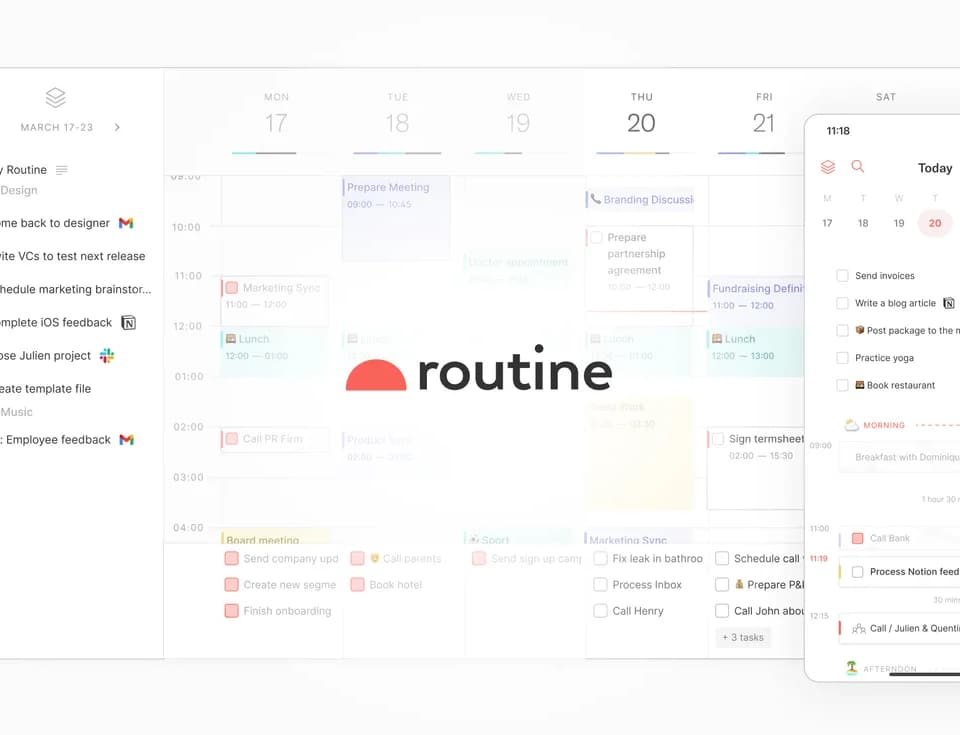
Routine
Routine combines work capture, calendar planning, notes, and structured data in one workspace. It aims to collect requests from connected services and turn them into work you can organize and schedule. AI voice commands, meeting notes, and automations extend that workspace beyond a conventional task list.
Capture work and plan time
Routine's universal inbox collects tasks, messages, and notifications from connected services. A desktop hotkey opens a dashboard for capturing a task or thought without leaving the current activity. The inbox page also describes saving an article or message through the mobile share menu.
You can label work, assign priorities, organize projects, and plan tasks and meetings together. Time blocking places tasks on the calendar. Custom databases and types let you define objects such as customers, projects, or bug reports, with properties and relationships. Views filter, group, and sort the information, and access-controlled workspaces divide an organization's work into logical areas.
Use voice, meeting notes, and agents
Voice commands can create tasks, record notes, schedule meetings, and reorganize the day. The publisher describes voice capture as adding timing, context, and priority to a task. Its meeting feature records audio and generates a transcript and summary without a meeting bot, according to the homepage. A meeting automation can turn action items into checklist entries, tasks, or custom objects.
Routine also advertises background agents for research, triage, and follow-ups, and automations that organize information across integrated services. MCP connects an AI assistant to the workspace. Although the homepage also mentions API operation, the pricing comparison marks the public API and webhooks as forthcoming. Confirm the integration method required for your workflow.
Choose a plan by the work required
The pricing page lists Free with tasks, calendars, notes, an AI assistant, voice commands, three integrations, three custom databases, and 250 AI credits. Its displayed paid prices are $5 per month for Personal, $10 for Professional, and $15 per seat per month for Business. Check the billing details at checkout because the page also shows discounts.
Personal adds time blocking and larger integration and database allowances. Professional lists meeting notes, agents, automations, and time tracking; Business adds organization and workspace controls. Some capabilities, including versioning, audit logs, and several collaboration or security features, are marked "soon" in the comparison table even when tier summaries mention them. Verify that a required feature is available before adopting Routine for it.