
Palmier
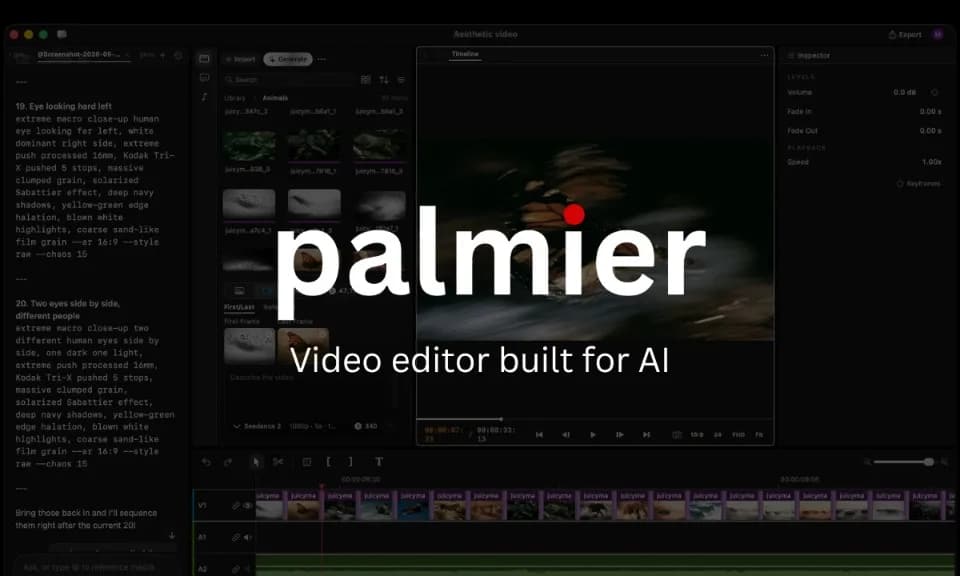
Palmier Pro is a video editor built for agent-assisted editing as well as manual finishing. Its homepage describes connecting Claude, Codex or Cursor through a local MCP server so an agent can inspect a project and edit its timeline. The current download requires macOS 26 Tahoe, according to the publisher.
Turn a repeatable edit into a skill
The publisher suggests making one video, saving the process as a Skill and applying it to the next video. That suits a recurring format where the rules remain similar, such as an introduction, caption layout or closing sequence. Review the first edit before using it as a template for more footage.
An agent can change a timeline, but you can inspect or undo the edits in Palmier. Keep the original media and confirm the intended instructions, especially if an automated cut could remove context from a speaker's remarks. A repeated process should still leave room to check the differences in each new recording.
Mix generated media with your own footage
The homepage advertises generation of images, clips and supporting audio inside the project, alongside imported media. Palmier also provides conventional editing controls for trimming, text, keyframes and color work. Review generated visuals and speech before combining them with real footage.
The publisher lists H.264, H.265 and ProRes rendering, plus NLE XML export for Premiere Pro, DaVinci Resolve and Final Cut. Test the format and destination you need before relying on an interchange for a complex project; a listed export option does not establish that every effect transfers identically.
Separate the free editor from cloud usage
The pricing page lists a $0 option with the multitrack editor, MCP use, local transcription and footage search, without an account requirement. The homepage says credits cover generation, upscaling, cloud transcription and built-in chat, while the editor and MCP connection are free.
Using your existing agent may also depend on that agent's own subscription or allowance. Check the current paid-plan terms for cloud operations before starting a batch. The publisher says it does not train models on customer content, but review the privacy policy and the processing involved in each selected cloud tool before uploading confidential footage.