
Youtube-Transcript-Generator
Riverside's YouTube Transcript Generator converts video speech into downloadable text. The official tool page presents it as a free browser-based service, with no signup required and support for more than 100 languages. It is a focused way to get written material from a video before preparing captions, a summary, or another piece of content.
Start from a YouTube video or media file
The page describes pasting a YouTube link to begin transcription. It also includes a file-upload workflow, which lists MP3, WAV, MP4, and MOV as supported formats. For people recording new content, Riverside describes another route: record in its studio and obtain a transcript after recording.
Those are separate starting points for the same broad task of turning speech into text. The tool page also makes an access distinction: automatic transcripts after recording are available only on some paid Riverside plans. That qualification applies to the studio workflow, while the standalone generator is advertised as free.
Download text or captions
The download choices include TXT transcripts and SRT captions. A plain-text transcript can support a blog, newsletter, or summary; a timestamped subtitle file is the option for captions. The interface reminds you to download the files before beginning another transcription.
Riverside advertises 99% transcription accuracy. That is the publisher's claim, rather than a measurement of this tool on a particular video. Its processing message also says turnaround varies with file size, content length, and server load.
Continue into a content workflow
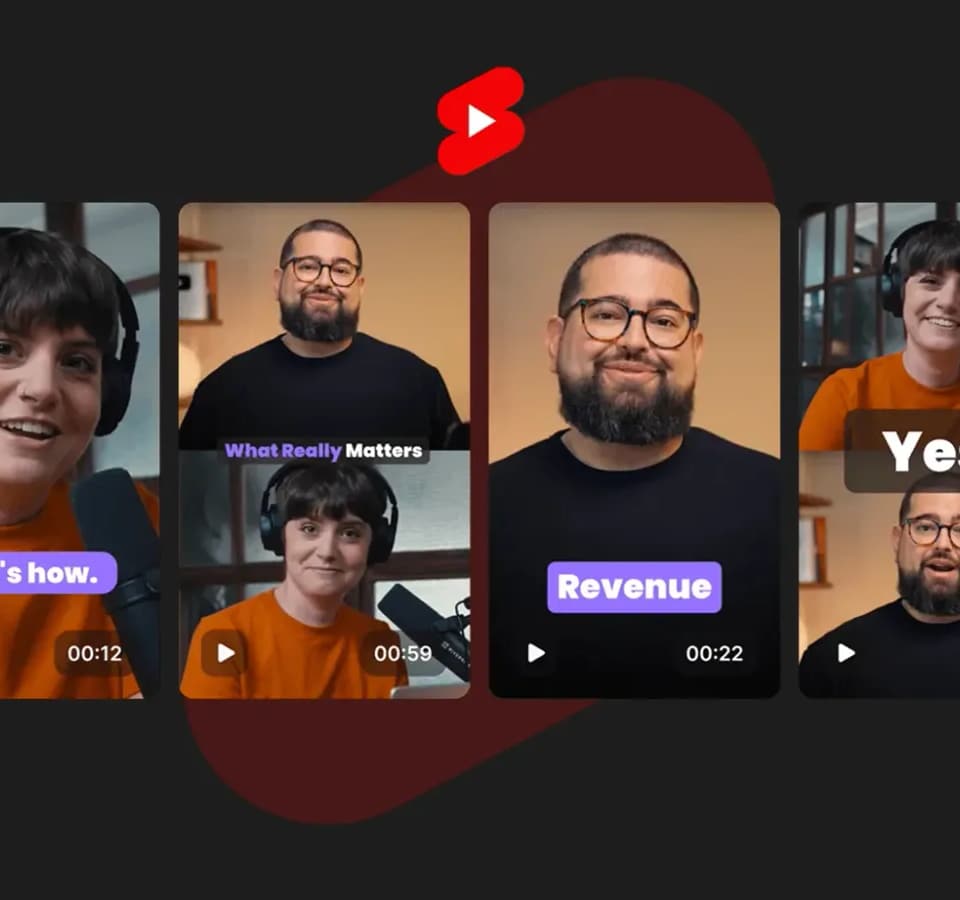
The page describes optional Riverside features for creating post summaries, descriptions, titles, chapters, and key takeaways. It also lists text-based video editing and short-clip creation as parts of the broader platform.
For an existing YouTube video, the generator's concrete outputs are the transcript and subtitle download. The surrounding Riverside recording and editing tools provide additional routes for repurposing the same material when you want to continue beyond the text file.