
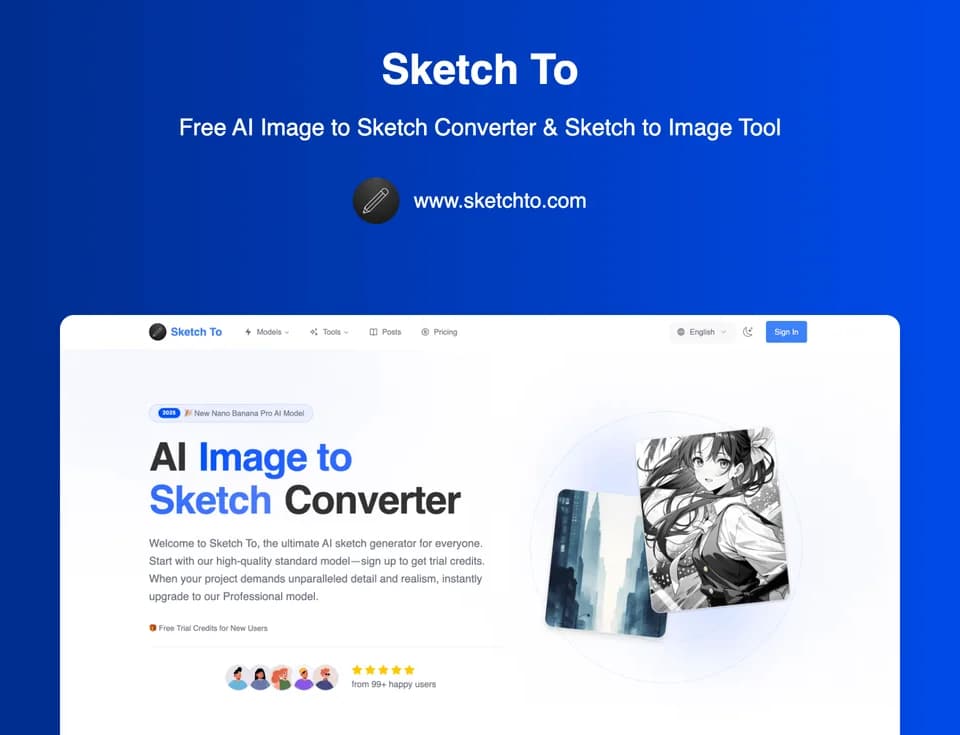
Sketch To
Sketch To converts an uploaded image into a sketch and can generate an image from a sketch. Its official product page presents a bidirectional converter alongside a wider collection of image tools. The named service is a creative studio using several models, not the original publisher of every model in its selector.
Choose the direction and style
The interface offers Image to Sketch, Sketch to Image and a custom option. Listed styles include pencil, charcoal, ink and watercolor. You upload the source, choose the intended style and model, then generate a result for preview and download.
Use a source image you are authorized to transform. Check whether the result preserves the details that matter to your project, particularly a face, product feature or architectural line. The site describes realistic output, but that is not a guarantee that a generated image faithfully represents the original.
Its comparison preview helps inspect the transformation. This article has not generated an image or tested whether a selected style produces consistent results across multiple inputs.
Verify upload and generation costs
The captured upload control states a 5 MB maximum, while a later FAQ says 10 MB. Those statements conflict. Check the active upload control before preparing files; neither number should be presented as a universal tested limit.
Credit descriptions also differ. One section describes a standard conversion costing one credit, the visible selected-model control shows two, and the pricing FAQ says a typical image uses two with some operations costing more. Confirm the displayed cost for the exact model and settings before generating.
The pricing FAQ says new users receive four trial credits without a credit card. That is a starting allowance rather than a documented recurring free balance.
Separate subscriptions, packs and rights
The landing-page banner emphasizes no subscription, but the pricing cards and FAQs also describe subscription plans. One-time credit packs do not auto-renew and are valid for one year. Subscription credits reset each billing cycle.
Annual cards show a monthly-equivalent amount alongside the full yearly charge. Treat the yearly payment as the commitment rather than assuming the displayed equivalent is a month-to-month bill.
The pricing FAQ distinguishes Basic personal-use licensing from Pro commercial rights. Check the applicable terms for your output and any source material; a commercial plan cannot grant rights to an image you do not control.
Sketch To is useful to assess for a specific photo-to-sketch or sketch-to-image task. Its documentation does not establish a hands-on quality benchmark, a fixed credit cost across models or a complete, contradiction-free access policy.