
Redirecting
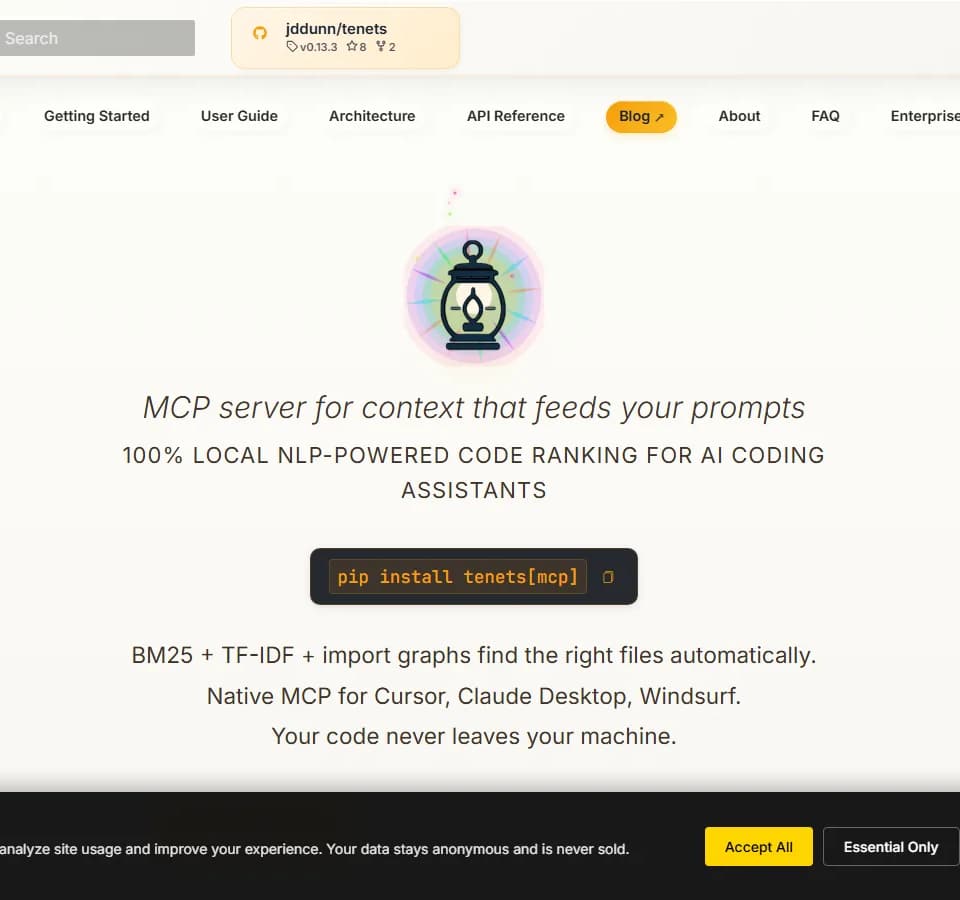
Tenets is a local MCP server and CLI for finding, ranking, summarizing, and analyzing code before it is used as context for AI coding assistants. It processes repositories on the developer’s machine and supports Cursor, Claude Desktop, and Windsurf through the Model Context Protocol.
What it does
Tenets builds task-specific code context from a natural-language request or query. Its ranking pipeline combines BM25 and TF-IDF keyword matching, path relevance, code structure, import relationships, Git signals, and intent-aware weighting to identify relevant files. It can then summarize and pack the selected material within a model-specific token budget.
The tool also provides code-quality and repository-analysis features, including complexity metrics, maintainability and health scoring, technical-debt identification, test-coverage analysis, code-pattern detection, hotspot analysis, dependency visualization, and contributor or ownership insights.
Who it helps
Tenets is aimed at developers and teams using AI coding assistants on private or sizeable codebases. It may be useful when a prompt needs more than raw file access, when repository context must be selected automatically, or when a team wants persistent project guidance across multiple AI-assisted development sessions.
Notable capabilities
- Local MCP integration: Install with
pip install tenets[mcp]and configure it as an MCP server for Cursor, Claude Desktop, or Windsurf. - Multi-factor code ranking: Combines textual relevance, structure, imports, Git history, and path signals to prioritize files.
- Persistent sessions and tenets: Maintains session state locally, supports branching, and lets users define project principles that are injected into AI context.
- Repository intelligence: Offers complexity, hotspot, ownership, technical-debt, test-coverage, and dependency analysis, including HTML and interactive visualization outputs.
- Optional machine learning: Local embeddings, transformers, and other semantic-similarity providers are available through the optional
tenets[ml]installation.
How it fits a workflow
A typical workflow starts with installing the MCP package, adding a short server configuration to the selected editor or desktop assistant, and restarting the application. The assistant can then call Tenets to retrieve relevant code context. From the command line, developers can use commands such as distill to build context for a task, rank to inspect file relevance, or examine to review code metrics. Sessions can preserve context between invocations, while tenets and system instructions help maintain project-specific guidance during longer feature efforts.
Strengths and limits
The main practical strength is its privacy-oriented local design: the site states that core processing requires no cloud API, API key, or code transfer, while optional LLM summarization requires explicit API consent. The tool also offers a broad workflow covering context selection, persistent prompting, quality analysis, and development insights in one CLI and MCP setup.
The installation and configuration are developer-oriented, and some capabilities are optional rather than part of the core package. Semantic ML features require tenets[ml], while LLM-based summarization depends on enabled API keys. The site does not provide pricing information in the supplied material.